Products featured
Most small business owners assume they need to purchase expensive, clunky POS terminals to accept in-person payments. As such, you're probably worried about upfront hardware costs, technical complexities, or just having too many devices to manage as a team.
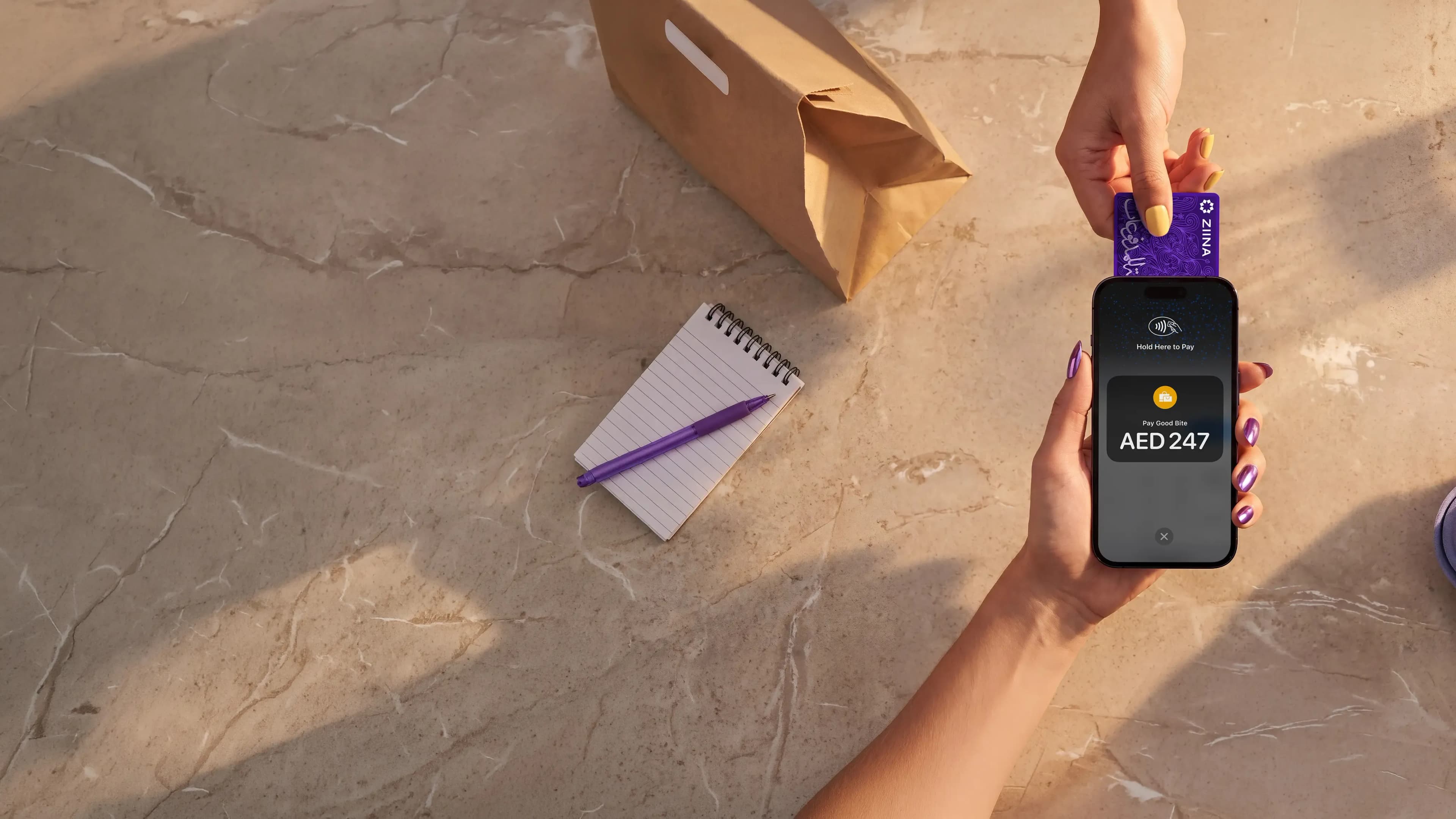
But the reality is that your smartphone is already a payment terminal. And small businesses can accept Tap to Pay payments without a terminal using payment apps like Ziina, Stripe, and Foloosi.
By leveraging Near-Field Communication (NFC) technology, these apps allow you to turn your iPhone or Android into a functional card machine that handles contactless cards and digital wallets.
How to accept Tap to Pay payments without a terminal as a small business
To start taking payments without a terminal, you need a compatible smartphone and a supported payment app.
The process generally follows these steps:
- Download a supported payment app from the App Store or Google Play Store.
- Complete the onboarding process, which often requires a form of identification like an Emirates ID and additional documentation about your business. Requirements vary by provider.
- Open the app and enter the amount you want to charge.
- Present your phone to the customer.
- The customer taps their contactless card, phone, or wearable device against the back of your smartphone to complete the transaction.
Ziina vs Stripe vs Foloosi: Comparison table*
| Feature | Ziina | Stripe | Foloosi |
|---|---|---|---|
Device compatibility | iPhone and Android supported for Tap to Pay | iPhone and Android supported through Stripe Terminal SDK | Android only |
Tap to Pay available in the UAE | Yes – built specifically for UAE-based SMEs | No – currently not available in the UAE | Yes – UAE-based provider with Tap to Pay support |
Payout timelines | Instant settlement to Ziina Wallet; local bank cashouts typically within 1 business day, with instant payouts for eligible users | Can take 2–5 days to settle funds | N/A |
Onboarding timelines | Register in a few minutes and get started immediately | May require more extensive documentation | Standard onboarding with business verification |
How to accept Tap to Pay with Ziina, an all-in-one payment app built for UAE-based SMEs
Ziina is the first peer-to-peer payment app in the UAE that also provides a comprehensive all-in-one payment platform for small businesses. With Ziina, you can accept payments instantly without any clunky infrastructure or hidden setup fees.
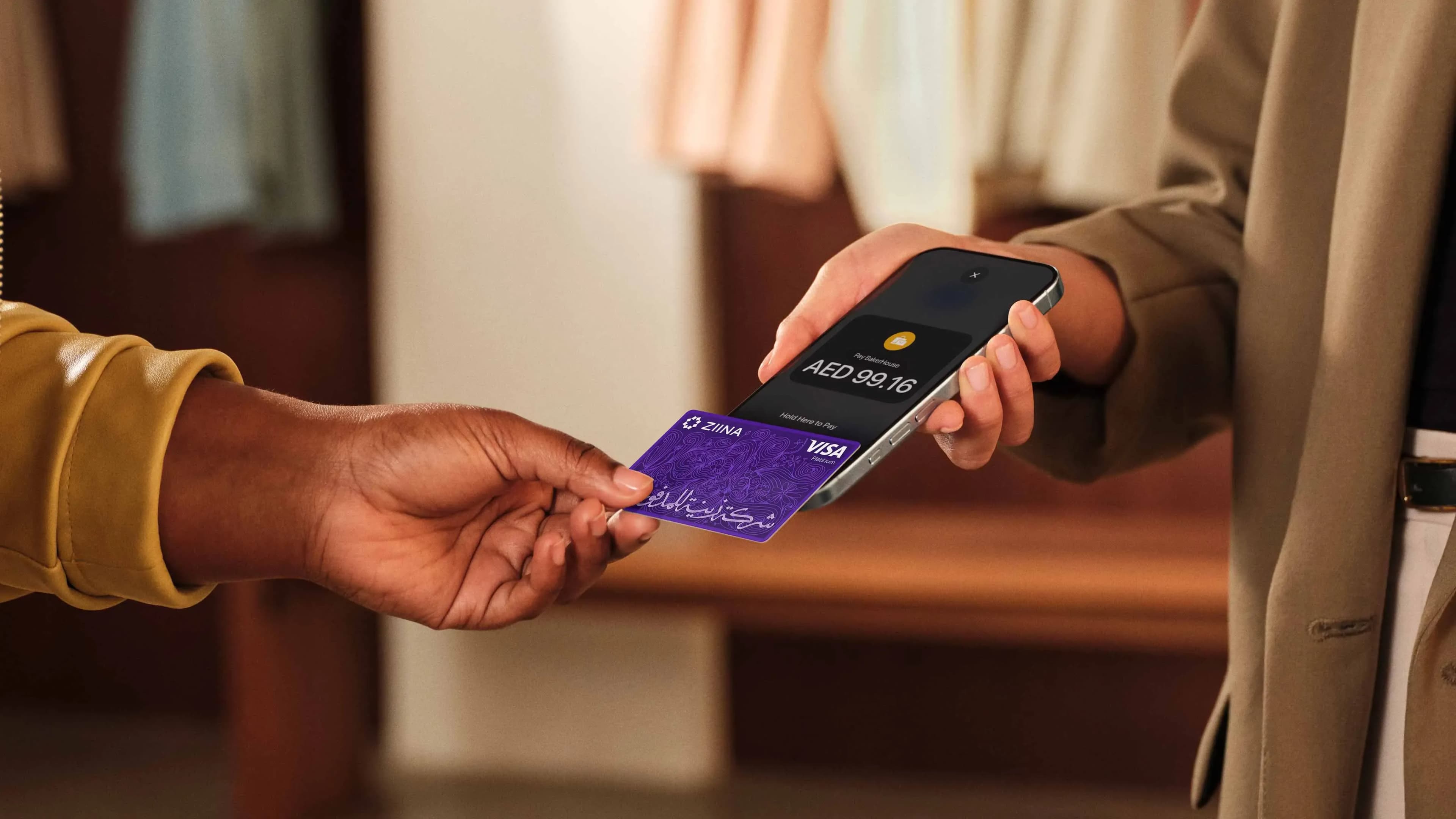
To accept a payment, you simply tap "New Order" in the app. From that screen, you select Tap to Pay on iPhone (or Android) and hold the customer's card or phone near yours.
“"Food and beverage businesses that are going to participate in an event use Tap to Pay a lot. Instead of purchasing extra physical machines, they look to Ziina for an easy way to take payments during those events."”
Here's what you can do with Ziina:
Turn your phone into a POS without upfront costs
With Tap to Pay, your phone becomes your point of sale. You don't have to worry about the cost of buying a card machine, which can often run between AED 2,000 to AED 3,000 per device.
What's more, there's no clunky hardware to configure or charge and none of the admin paperwork typically required by traditional banks or large global providers to set up a terminal.
Centralize all your sales in one place
Managing your business is easier when you don't have to juggle fragmented tools. That's why we built Ziina to be an all-in-one payment app, where Tap to Pay sits in the same wallet as your payment gateway, payment links and QR codes, and digital invoices.
If you're an online merchant running pop-up shops at events, for example, you can centralize all your revenue in one interface rather than using one provider for links and another for card machines.
Onboard quickly and access your funds faster
Traditional merchant accounts often force you to wait weeks for approval, only to wait up to 5 business days to see your money land in your bank account once you're operational.
We designed Ziina for speed:
- Register in a few minutes to get started immediately.
- Pay only when you earn with a simple transaction-based fee structure. There are no monthly subscriptions, hidden maintenance costs, or surprise registration fees that eat into your margins. Our transaction fees stand at 2.6% + 1 AED per transaction, plus 1.5% per transaction for international cards. (Consult Ziina's pricing page for the latest information.)
- Your earnings settle instantly into your Ziina Wallet, where you can use them on business expenses immediately. Cashouts to local bank accounts typically take 1-2 business days, subject to bank processing times, and eligible users may be able to use instant payout options.
How to accept Tap to Pay with Stripe
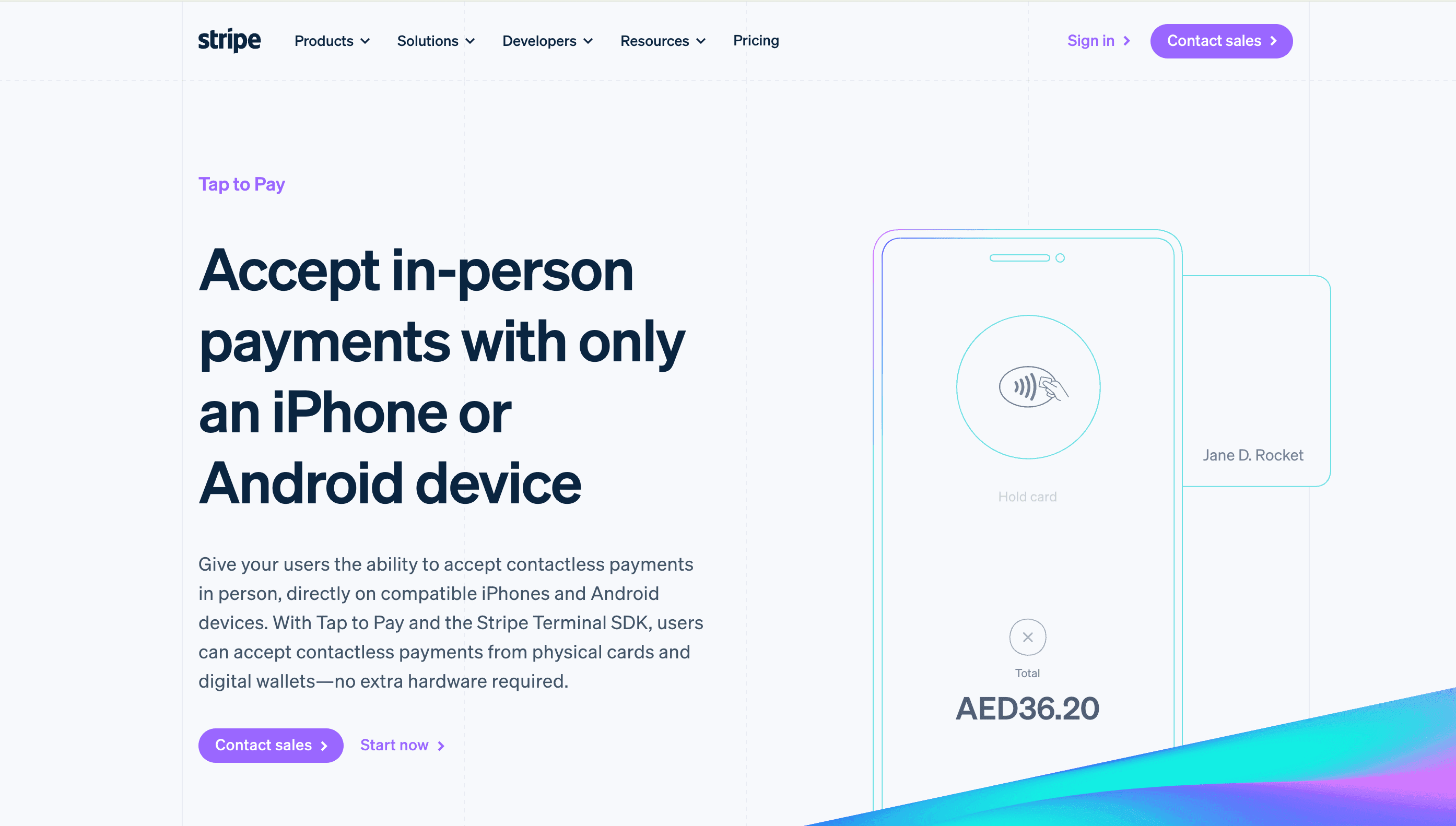
Stripe allows you to accept in-person payments using an iPhone or Android device through their Terminal SDK. Initiate the checkout within your app and present your device to the customer to tap their card.
Key features of Stripe Tap to Pay include:
- Accept payments with only a smartphone: Users can take contactless payments directly on compatible iPhones and Android devices with no extra hardware.
- Fast integration for developers: You can set up the integration in as little as a few days using the Terminal SDK.
- Manage online and in-person data together: Tap to Pay integrates with the rest of the Stripe ecosystem, so your business reporting is unified.
- Global reach for multiple markets: Stripe supports Tap to Pay in dozens of countries, including the United Kingdom and the United States.
It is worth noting that, at the time of writing this article (June 2026), Stripe Tap to Pay is currently not available in the UAE. Businesses in this region typically find better local support and faster cash outs through providers like Ziina.
How to accept Tap to Pay with Foloosi
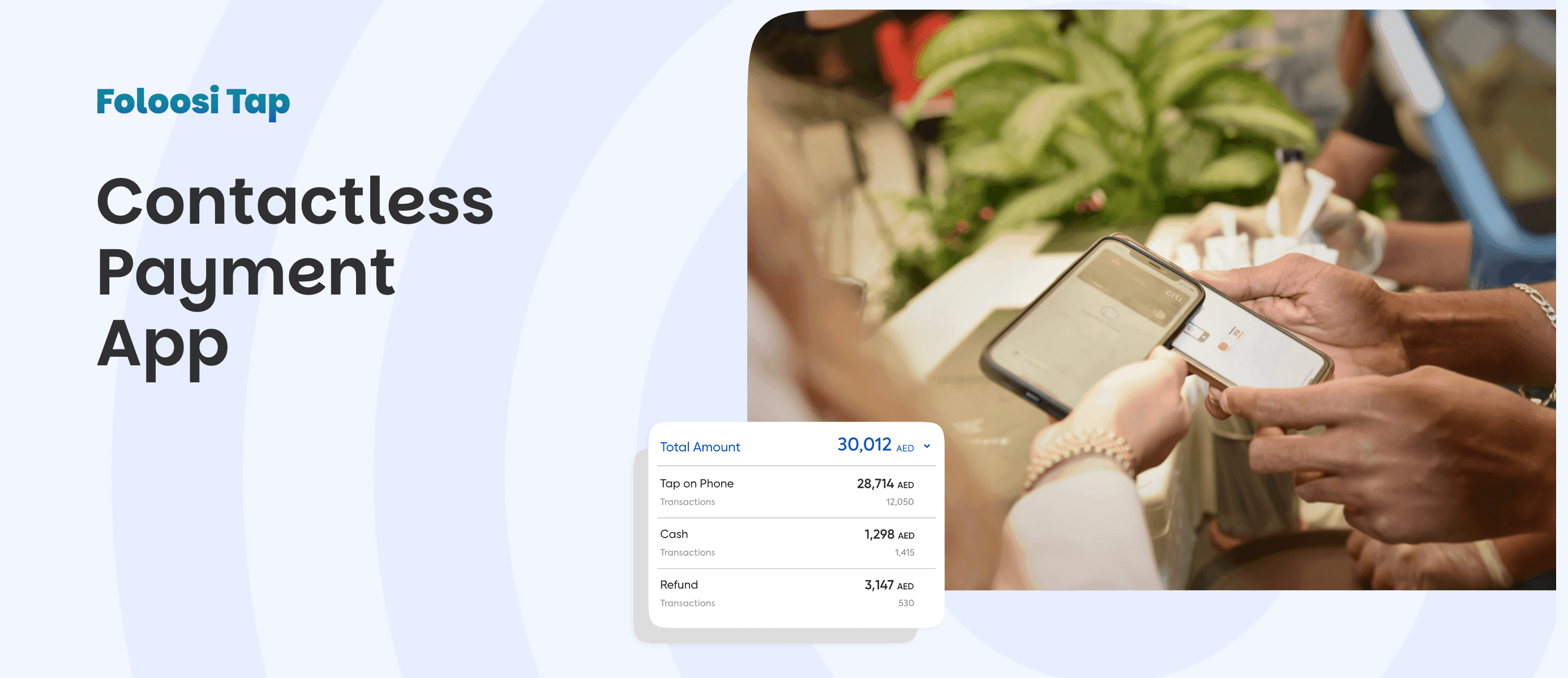
Foloosi is a UAE-based payment gateway that offers a contactless payment app designed to help small businesses grow. It specializes in secure, seamless payment solutions for startups and SMEs on the go.
To accept a payment, click "Receive Payment," enter the transaction amount, and request the customer to tap their card against your device. The payment is then processed instantly.
Key features of Foloosi include:
- Real-time fraud protection: Foloosi uses a 3D Secure protocol to authenticate cardholders in real-time, reducing the risk of fraudulent transactions.
- Comprehensive sales reports: You can access sales reports for each Tap to Pay transaction to maintain clear financial records.
- Digital receipts for customers: Your customers receive a digital receipt via email or SMS as soon as the purchase is complete.
Foloosi’s Tap to Pay feature is currently (June 2026) available only on Android devices.
4 questions to ask yourself when deciding to accept payments without a terminal
Picking the right Tap to Pay app depends on your specific business goals and how you interact with your customers. You should consider the following:
- Does the Tap to Pay feature work on my and my team members' devices? Confirm if the provider supports both iOS and Android.
- How fast are the payouts? Some international providers take 4 to 7 days to settle funds, while local partners like Ziina can offer settlements within 24 hours.
- What documentation do I need to sign up? While some platforms have strict requirements and expect extensive business documentation, others offer professional accounts with fewer barriers to entry for freelancers and micro-businesses.
- Will I need other payment methods? Check if you can also generate QR codes, send payment links, and build a website checkout from the same app.
Final thoughts
Accepting Tap to Pay payments without a terminal is one of the most effective ways for small businesses to reduce overhead. It eliminates the need for expensive card readers and simplifies your daily admin.
By choosing a local partner like Ziina, you can manage your in-person and online sales in a single wallet.
*Disclaimer: All information relating to third-party products and companies featured in this article has been sourced solely from their respective public websites and official publications at the time of writing. Ziina makes no representations as to the accuracy, completeness, or currency of this information. Product features, positioning, and company details may have changed since publication. Readers should refer to each provider's official website for the most up-to-date information before making any purchasing decisions.
**Disclaimer: Availability of Ziina products and features is subject to eligibility, successful verification, device compatibility, applicable transaction limits, Ziina’s terms and conditions, and regulatory requirements. Customers are responsible for ensuring they hold any trade license, permit, tax registration, or other approval required for their business activities. Fees, limits, payout timelines, and product features may vary and are subject to change. Please refer to Ziina’s latest terms and pricing for full details.
This article was published in July 2026.
Sources:
- https://docs.stripe.com/terminal/payments/setup-reader/tap-to-pay
- https://stripe.com/ae/terminal/tap-to-pay
- https://stripe.com/ae
- https://foloosi.com/
- https://foloosi.com/tap-to-phone