Tap to Pay: How to accept payments without a card machine in the UAE

Products featured
Whether you run a pop-up store, are just starting your own beauty or F&B business, or collect payments on-site as a service provider, you probably already know that traditional point of sale (POS) systems can be quite limiting. They come with upfront costs, contracts, and long wait times for device approvals and delivery.
What you want is a simple and quick way to collect payments and track sales as a team, with a smoother onboarding process and without needing to invest heavily in multiple devices.
That’s where Tap to Pay comes in: it enables you and your team members to accept contactless payments with nothing but a compatible smartphone.
In this guide, we’ll break down how Tap to Pay works and how businesses use it in practice. We’ll cover:
- What is Tap to Pay and how does it work?
- How to set up Tap to Pay (on iPhone and Android)
- How businesses use Tap to Pay in practice
- Why partner with Ziina to accept Tap to Pay and grow across multiple channels
Ziina is a financial platform for businesses in the UAE that want a faster, simpler way to get paid. Accept Tap to Pay payments, send payment links, and track all sales in one place. Get set up in minutes and access your funds in as little as 24 hours (or instantly for eligible users).
What is Tap to Pay and how does it work?
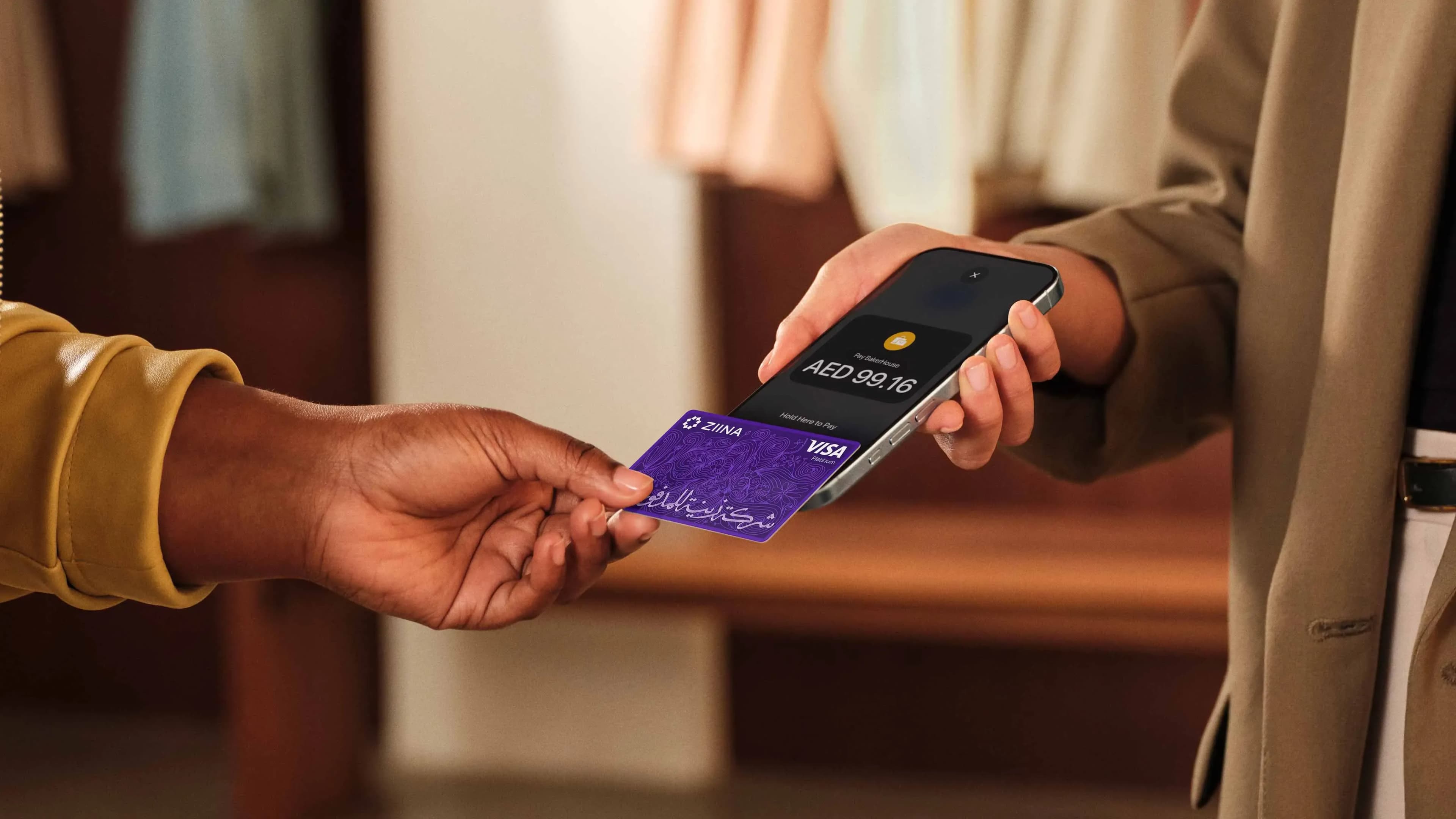
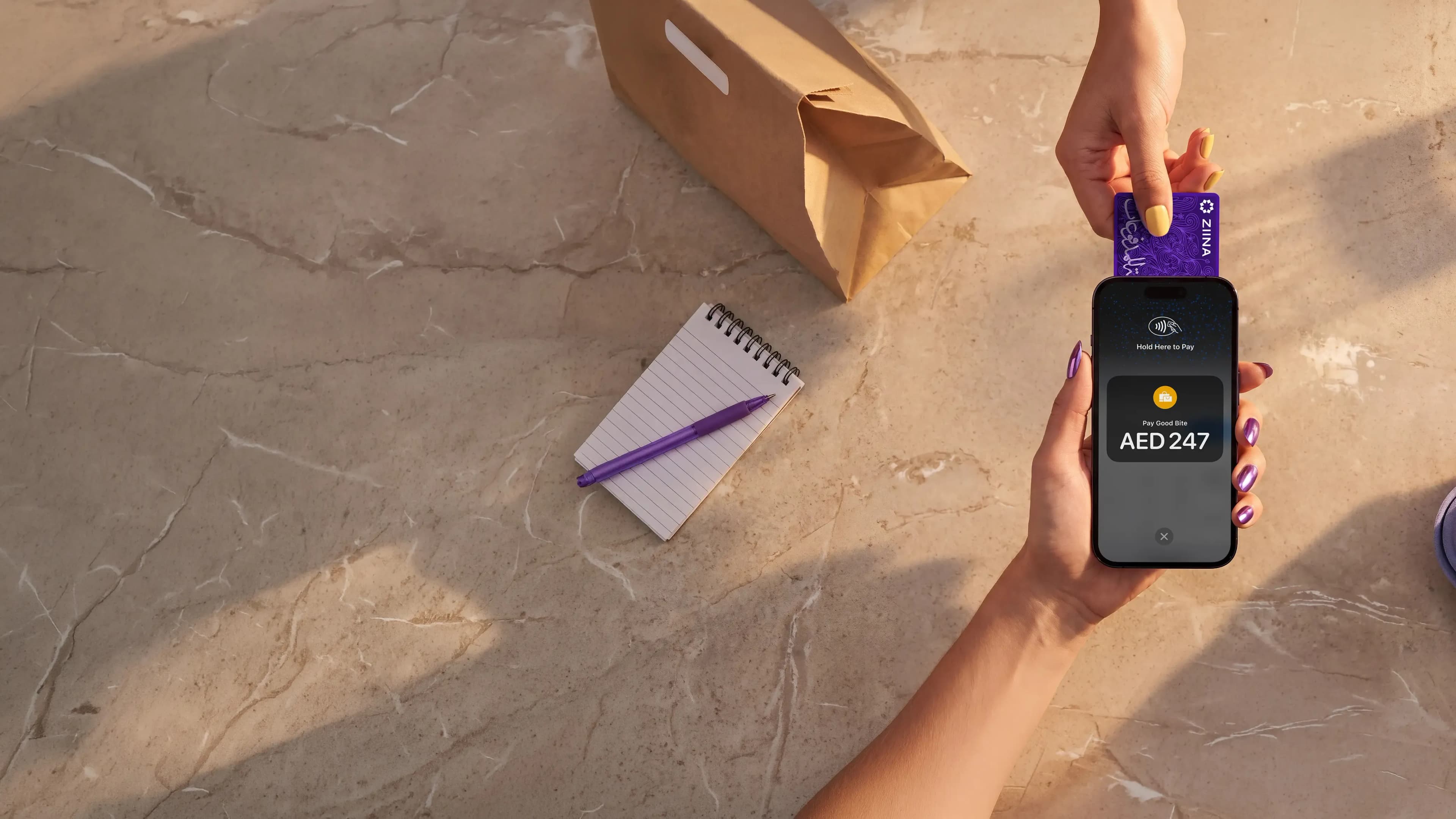
Tap to Pay allows businesses to accept payments on their smartphone by having a customer tap their physical card or any device with Apple Pay or Google Pay.
The transaction is authorized in real time using near-field communication (NFC): a short-range radio signal of a few centimeters that securely transfers encrypted payment data within seconds. Since NFC technology requires close proximity, it also reduces fraud risk.
Here's what happens during a typical Tap to Pay transaction:
- 1.
- 2.The customer initiates a payment using a card, phone, or wearable by bringing the device close to the merchant's smartphone.
- 3.The device detects the nearby NFC signal, and a short-range connection is established.
- 4.Payment data is securely transmitted and encrypted before transmission, sending data from the customer’s device to the merchant’s payment app. It's tokenized with no card numbers shared.
- 5.The payment processor receives the settled transaction in-app.
- 6.The transaction is approved or declined. If approved, payment confirmation appears on the merchant’s device and the customer’s card or bank statement.
- 7.Funds are sent to the merchant’s account.
One thing to keep in mind is that Tap to Pay is limited to in-person transactions and does not handle:
- Remote payments such as payment links and online checkout
- Tracking payments across multiple channels
- Broader payment workflows or reporting
Many businesses start with Tap to Pay before integrating additional tools as they grow.
How to set up Tap to Pay (on iPhone and Android)
Setting up Tap to Pay takes only a few minutes on a compatible mobile device:
- Step 1: Check device compatibility: Smartphones using Tap to Pay must support NFC and be a relatively recent model running the latest OS version.
- Step 2: Enable NFC: On iPhones, NFC is typically enabled by default. On Android devices, you may need to enable it manually in your device settings. Typically, you can find it under Settings – Connections – NFC, though this varies by device.
- Step 3: Choose a Tap to Pay app: To accept Tap to Pay payments, you need a payment app that supports it, such as Ziina. The app turns your phone into a payment terminal, handles transaction processing, and manages payouts to your account.
- Step 4: Set up your account: Once you've chosen a provider, create an account. This typically includes adding your business details, connecting a bank account for payouts, and completing verification. The onboarding process can vary depending on the provider, as some require business licenses and detailed documentation, while others have a faster setup with fewer requirements.
- Step 5: Start accepting payments: Open the payment app, enter the transaction amount, and ask the customer to tap their card, phone, or wearable near your device. Wait for confirmation. Within a few seconds, the transaction is typically authorized, and confirmation appears in the app.
- Step 6: Get payouts: After a payment is completed, the funds are processed by your payment provider and then transferred to your account. With Ziina, standard payouts are typically processed within 1-2 business days and may be faster in some cases. Instant cashout may be available for eligible users, subject to applicable terms.
How businesses use Tap to Pay in practice
Tap to Pay is often used by:
- Pop-up shops: Rather than investing in a POS system, seasonal sellers can accept payments directly on their phone at a market stall, festival, or temporary retail space. This means they can easily move between locations and scale operations up or down depending on demand.
- F&B companies: Restaurants, cafés, and bakeries can use Tap to Pay to accept payments directly at the counter, tableside, or during busy service hours without relying on multiple card machines. This makes it easier to serve customers faster and reduce queues.
- Service providers: Cleaners, hairdressers, and other freelancers can handle payments on-site instead of issuing an invoice and waiting for the customer to pay later. This reduces the need for follow-ups, cuts down on administrative work, and improves cash flow – no funds need to be tracked down and chased.
- Hybrid businesses: SMEs like beauty and fashion brands that sell online and offline can use Tap to Pay for in-person transactions and use other methods to handle online payments, such as payment links.
Why partner with Ziina to accept Tap to Pay and grow across multiple channels
Ziina is a UAE payment platform licensed by the Central Bank of the UAE under its Stored Value Facility framework. We enable businesses and individuals to securely send and receive money in the Emirates.
With Tap to Pay in the Ziina app, eligible users can start accepting contactless payments on a compatible phone quickly and with minimal setup, subject to verification and applicable terms.
Here are a few reasons businesses choose to collect payments with Ziina:
Turn your phone into a POS machine with minimal setup requirements
Whether you're running a café, managing a team of delivery drivers, selling at pop-ups, or collecting payments on the go, you no longer need to lag around a cash machine or spell out your bank account information.
With Ziina Tap to Pay, your smartphone becomes a point-of-sale system in minutes.
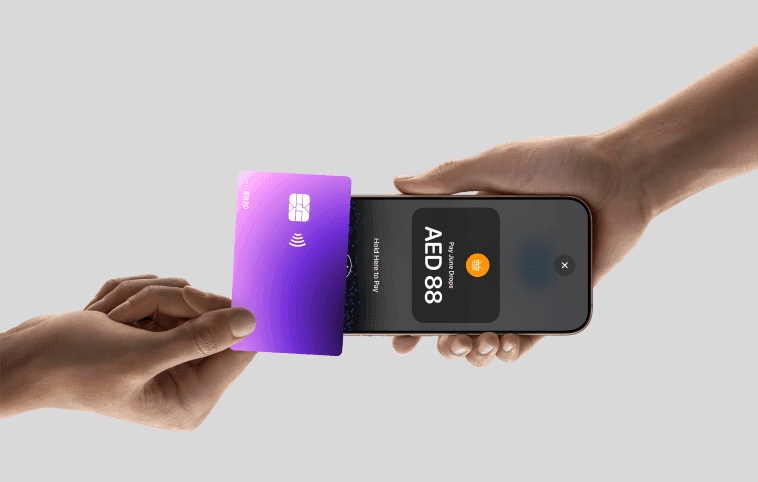
Customers can pay using Visa, Mastercard, American Express, Apple Pay, and Google Pay, all managed in a single app.
You can also use Ziina as a team, with different permissions for each team member so that they can collect and process payments independently.
Fees are charged in line with Ziina’s applicable pricing terms. Current standard pricing is 2.6% + AED 1 per transaction, with additional charges for international cards or currency conversion, plus VAT where applicable.
Customers should refer to Ziina’s latest pricing page and terms for full details.
Get paid quickly with a modern financial platform built in the UAE
How quickly you receive payouts can have a direct impact on your cash flow. With Ziina, funds can be reflected in the Ziina wallet quickly, and transfers to local bank accounts are typically processed in 1-2 business days (and in line with Ziina’s applicable payout timelines). Eligible users may also receive instant cashouts.
What’s more, we built Ziina directly in the United Arab Emirates, with the goal of serving UAE businesses – our customer support is in both English and Arabic, and we always aim to respond to customer queries in 30 minutes or less. This means you don’t need to be stuck in global ticket queues to resolve any payment issues.
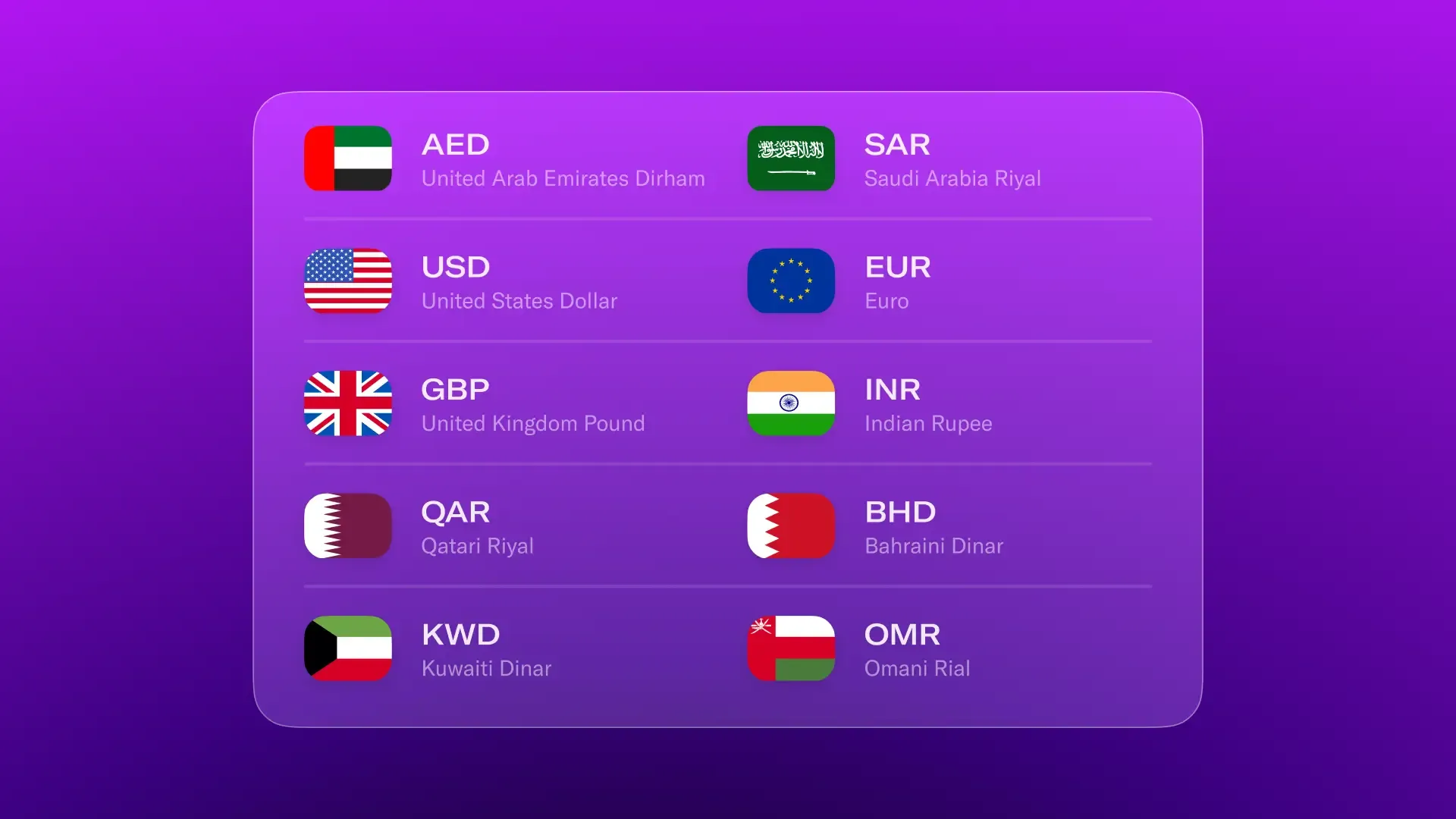
Multi-currency support is available: customers can pay you in their native currency (we currently support 10 currencies), and Ziina will convert the payment to AED using real-time currency exchange rates in line with Ziina’s pricing terms. The amount will then settle into your wallet.
Sell across multiple channels with a unified payment platform
Managing payments across multiple tools is a challenge – it's common for businesses to use one tool for in-person payments, another for sending payment links, and another for online checkout. This fragmented setup spreads transactions across different platforms and limits visibility into revenue and sales reconciliation.
Ziina replaces all that with a unified system. In addition to Tap to Pay, businesses can use Ziina to:
- Send payment links through social channels such as WhatsApp and Instagram
- Accept QR code payments
- Send customized invoices
- Integrate an online payment checkout into their website
All payments are tracked in one place within the Ziina app, where businesses can track transactions in real time, view payment history, monitor revenue, and export reports.

Case study: How Ace of Fades saved AED 7,500 in hardware costs and reduced transaction fees with Ziina
Ace of Fades, an Abu Dhabi-based barbershop, is known for its premium grooming services. Before switching to Ziina, the business relied on traditional card machines, with five devices at AED 1,500 each, for a total upfront hardware cost of AED 7,500 plus 3% on every transaction in fees.
What’s more, the card machines were difficult to maintain, as they constantly needed to be charged and updated.
“Picture this, barber arrives at a client's villa, delivers an incredible service, then spends five minutes trying to get the card machine to connect. Or worse, realizes they forgot it entirely. That's not the experience we promised.”
With Ziina, Ace of Fades set up Tap to Pay in just around 30 minutes, after which each barber could accept payments directly on their smartphone with specific user permissions.
Now, Ace of Fades has saved AED 7,500 in hardware costs, reduced transaction fees, and can offer a more seamless payment experience to match the barbershop's premium services.
“When customers tap their card on our phone, they're genuinely impressed. They tell us we're always ahead of the curve. For a premium brand like ours, that perception matters.”
Tap to Pay makes it easier for businesses to start accepting payments without the cost and complexity of traditional POS systems. Whether you run a pop-up shop, offer services on-site, or operate a restaurant, it gives you a fast and flexible way to get paid using just your smartphone.
With Ziina, you can combine Tap to Pay, payment links, QR codes, invoicing, and online checkout in one platform – with quick setup, fast payouts, and everything tracked in a single app.