
How to send money in Dubai and pay friends in the UAE

Products featured
Whether you are paying back a coworker for a morning coffee or trying to divide the cost of a weekend villa trip, moving money in the UAE often feels like a test of patience.
You're probably used to swapping 23-digit account numbers and praying you did not mistype a single digit that could send your funds into the void. Even when you have the right IBAN, you might get stuck waiting hours for the bank to actually move the money.
Ideally, you want to pay family and friends in a way that's easy to understand, instant, and has zero hidden fees.
In this guide, we'll break down three of the most common ways to send local transfers in the UAE and show you which methods work best for your everyday life.
- Use payment apps to split bills and send money to friends in second
- Use direct bank transfers for larger or formal payments
- Use money transfer services to send money abroad
- How to send money in Dubai with Ziina
Ziina is a payment app based in the United Arab Emirates that helps you quickly send money to family and friends in Dubai. Pay and get paid using links, QR codes, phone numbers, or bank details.
3 common ways to send money in Dubai
Here’s the thing: depending on whether you're paying rent or just splitting the bill for a late-night shawarma, the "best" way to move your money changes. Too often, people default to what they already know – but that usually means dealing with clunky interfaces and long wait times.
Here are the 3 different ways to send money in Dubai based on what you need:
1. Use payment apps to split bills and send money to friends in seconds
Payment apps let you send, receive, and manage money directly from your phone.
You download the app, create an account, and connect a bank account or card. From there, you can send money using a phone number, username, QR code, or payment link – without having to exchange bank details.
Pros and cons
| Pros | Cons |
|---|---|
Opening an account with a payment app can be much faster than opening a traditional bank account. | Not always preferable for large or formal payments like rent, deposits, or business transactions. |
Payments often arrive instantly, making it easier to settle up with friends. | Some apps have transfer limits or restrictions on certain payment types. |
There may be multiple payment options available, from direct transfers using a username or a phone number to payment links and QR codes. | You’ll still need to top up your wallet or link a bank account/card to your app, which adds a small extra step. |
Payment apps are built for small everyday moments when money needs to move quickly.
You might use one to:
- Pay a friend back after dinner or a taxi ride
- Split groceries
- Collect money for a group gift or a trip
- Get paid for a small, quick sale (like a second-hand top)
2. Use direct bank transfers for larger or formal payments
As you probably already know, bank transfers allow you to send money straight from your bank account into another.
To make a transfer, you'll need to enter your payee’s bank details (such as their IBAN or routing number) into your banking app and confirm your payment details. Then your bank will process the transfer and send the funds into your payee’s account.
Pros and cons
| Pros | Cons |
|---|---|
Highly secure because your money moves through regulated banking networks | It can take anywhere from a few minutes to 5+ business days to settle payments |
Typically low-cost for local AED transfers | It’s easy to enter the wrong IBAN, which can delay or even ‘fail’ your payment |
Leaves a formal record of the transaction | Awkward for small everyday payments like splitting bills or paying friends back |
International transfers can be expensive, especially when routed through the SWIFT network, which can cost upwards of 150 AED1 per transaction. |
Traditional bank transfers suit best when you’re making a large payment or want a formal paper trail, for example, when you’re sending rent to a landlord every month or paying a large one-off bill like medical or legal fees.
3. Use money transfer services to send money in Dubai and overseas
Money transfer services are specialized financial platforms (such as Wise, Western Union, or Al Ansari Exchange) that help you move money within the UAE and overseas.
To use a money transfer service, you pay using your card, bank, or cash, and they deliver the money to the recipient's bank account, mobile wallet, or a physical cash pickup location.
Pros and cons
| Pros | Cons |
|---|---|
Can be faster than a standard bank wire, with options for instant or same-day delivery. | Transfer limits may apply, which can restrict how much money you can send in a single transaction. |
Often offers transparent pricing, so you can see fees and exchange rates before sending. | Fees and charges can vary between providers and destinations. Some services also charge a remittance service fee.2 |
Widely available, which makes it easy to send money to friends and family in the UAE and in other countries. | Exchange rates may be marked up, so your recipient could receive less than expected. |
Money transfer services can be used for local payments, remittances, and larger international transfers. For example, you might:
- Support family or friends abroad
- Pay overseas tuition fees
- Transfer savings between countries
- Make property-related payments overseas
How to send money in Dubai with Ziina
Ziina is the UAE’s first payment app that allows you to send and receive money simply by using QR codes, payment links, or by exchanging phone numbers – no IBANs or SWIFT codes needed.
With us, you can:
Sign up with your Emirates ID and start sending money in minutes
Getting started with Ziina is simple. All you need is a valid Emirates ID.
Once you've created your account, you can top up your wallet from your bank account and start sending money to friends right away. There are a few ways to pay:
- Click on a friend’s payment link
- Scan a friend’s QR code
- Send money to a friend's ZiiName (if they have the app, too)
- Pay using the Ziina card
Payments between Ziina users are instant.
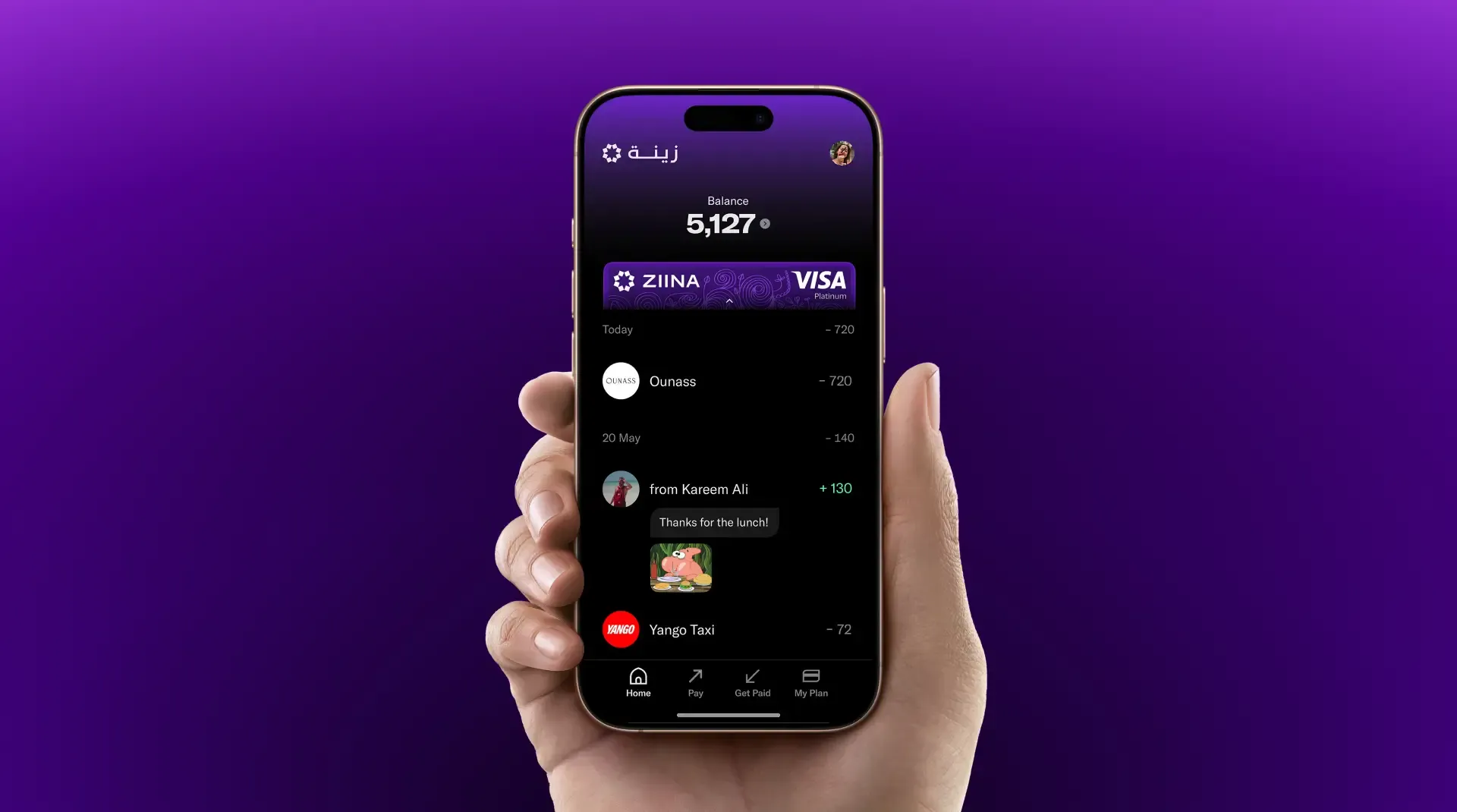
A Ziina Lite account has no setup fees, monthly fees, or hidden charges.
Your account also comes with a Ziina Card, which lets you spend directly from your wallet online, in-store, and abroad. Better yet, Lite users get fee-free foreign currency spending on up to AED 3,000 per month, while Violet members get up to AED 20,000 per month. Check Ziina’s pricing page for the latest terms.
Read more: Travel cards in the UAE: 6 options compared
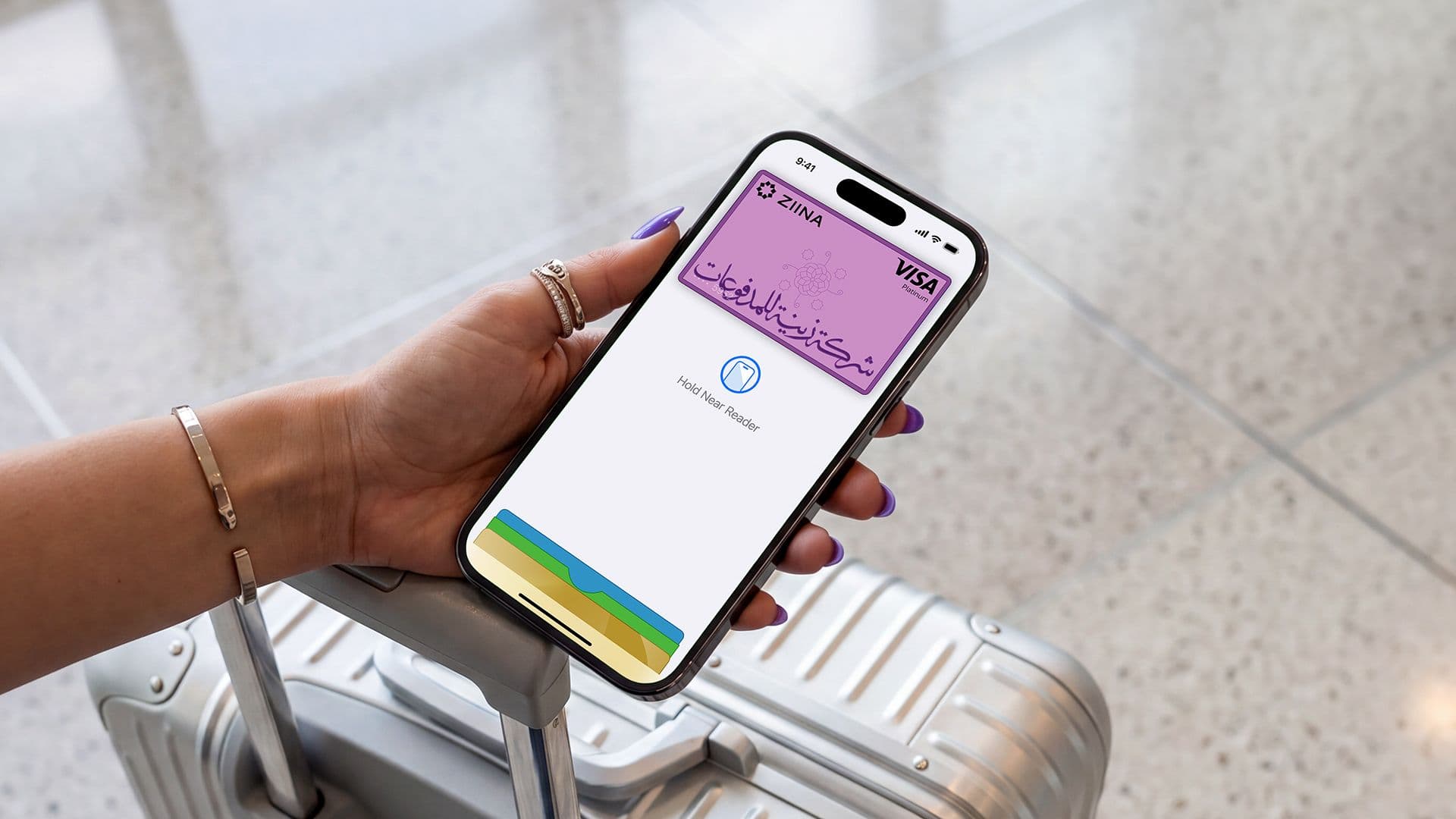
For added peace of mind, every account is protected with multiple security layers, including PIN verification, two-factor authentication, and biometric login options such as Face ID and fingerprint authentication.
And because Ziina is built in the UAE, you'll have access to local support in both English and Arabic whenever you need help.
If you have any specific questions, check out our help center.
Share payment links in your group chats to get paid quickly
We've all been there. The dinner bill gets split, someone books the holiday rental, or one friend pays for concert tickets… and suddenly you're chasing five different people for their share.
With Ziina payment links, you can send a single link to a group chat and let everyone pay in a few taps.
Your friends don't need a Ziina account to pay. They simply open the link, choose their payment method, and complete the payment using Apple Pay, Google Pay, Visa, Mastercard, or Amex.
You'll receive payment notifications in real time, so you always know who's paid when. No more sending "friendly reminders" to the group chat.
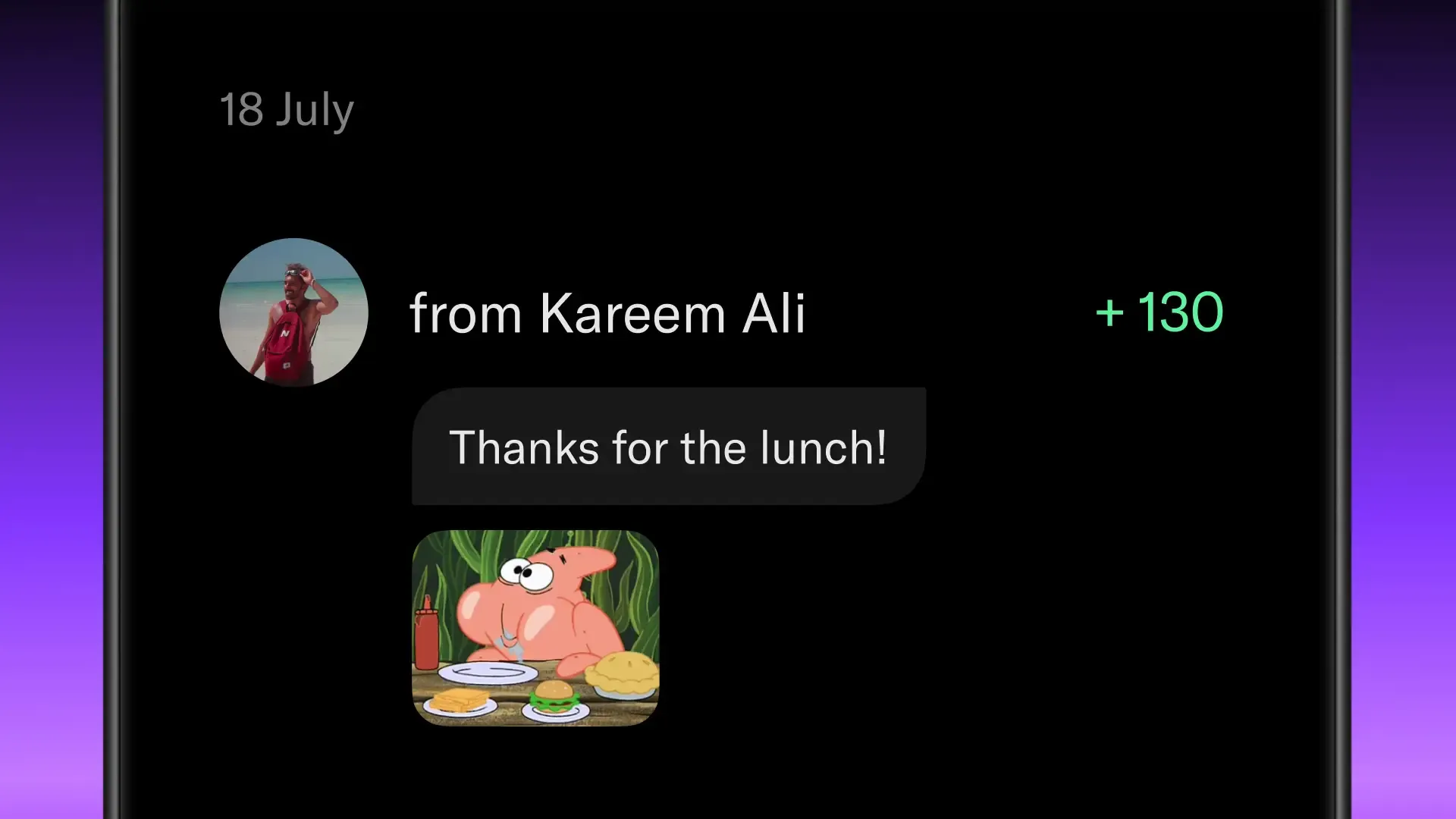
And, our customers’ favourite feature yet: Add a note to your payment links. For in-app transfers, you can even add a GIF or a photo!
Upgrade to Violet for exclusive discounts and deals from 12 premium brands

Ziina Lite is completely free, but if you use Ziina regularly, Violet unlocks additional benefits designed to help you get more value from your everyday spending.
For AED 100 per month, Violet members get access to:
- Fee-free foreign currency spending on up to AED 20,000 per month
- Discounts and perks from brands including Deliveroo, Ounass, Salt, ClassPass, Washmen, Yango, and more
- Balance Boost, which automatically applies cashback when you pay with your Ziina Card at participating brands
- Priority customer support
Most benefits refresh automatically each month, and you can cancel your membership anytime directly from the app.
Start sending money to friends with Ziina
Be it splitting a Careem ride or paying your share of the monthly groceries, Ziina makes moving money simple.
You can send money quickly, share payment links in group chats, and get paid without having to exchange bank details. Better yet, your friends don't need a Ziina account to pay you.
Disclaimer: Availability of Ziina products and features is subject to eligibility, successful verification, device compatibility, applicable transaction limits, Ziina’s terms and conditions, and regulatory requirements. Customers are responsible for ensuring they hold any trade license, permit, tax registration, or other approval required for their business activities. Fees, limits, payout timelines, and product features may vary and are subject to change. Please refer to Ziina’s latest terms and pricing for full details.
This article was published in August 2026.
Sources: 1. https://www.bankfab.com/en-ae/personal/-/media/B0043338BCA24FC29D3369BF860A3F0F.ashx?view=1 2. https://alansariexchange.com/service/remittances/