
Products featured
You’ve decided to sell through WooCommerce. Your products are good to go, your store is ready to launch – but there’s just one more decision to make before your customers can place an order: which payment gateway will power your checkout?
That choice affects how quickly you can get your checkout live, which payment methods you can offer customers, what it costs you to process each order, and when the money lands in your bank account.
There are a number of providers to choose from in the UAE, each with slightly different features and fees.
You’ll need to check things like:
- Which payment methods are available through the WooCommerce integration
- Which currencies customers can use and which currency reaches your account
- How quickly you can access the money from each order
- If you can embed the checkout into your own product
- Whether the provider offers other payment tools if you eventually start selling beyond your online store
So, let’s compare seven WooCommerce payment gateway providers available to UAE businesses and go over everything you should check before choosing one.
In this article:
- WooCommerce payment gateways in the UAE compared
- What to look for in a WooCommerce payment gateway in the UAE
- Ziina: Get your WooCommerce checkout live quickly
- Stripe
- Mamo
- Telr
- PayTabs
- Network International
- Amazon Payment Services
Launching a WooCommerce store in the UAE? Connect Ziina to your checkout, start accepting payments, and manage all your sales through one payment platform.
WooCommerce payment gateways in the UAE compared
Every provider below supports payments through WooCommerce, technically speaking. The differences get easier to spot once you look at how each integration works, the complete fee structure, when your money becomes available, and what the provider offers beyond website checkout.
Not every difference will matter equally to your store. The table below gives you the key details in one place before we take a closer look at each option.
Comparison table
| Payment provider | WooCommerce setup | Standard transaction pricing | UAE support | Other payment tools |
|---|---|---|---|---|
Ziina | Ready-made WooCommerce plugin with a step-by-step setup guide and test mode + embedded checkout option | 2.6% + AED 1 per transaction, plus applicable VAT and additional international-card or non-AED charges under Ziina’s latest pricing terms | UAE-based 24/7 support in English and Arabic | Ziina Payment Links, digital invoices, QR payments, Tap to Pay, and custom APIs |
Stripe | WooCommerce plugin¹ | 2.9% + AED 1 for domestic cards, plus 1% for international cards and 1% when currency conversion is required² | 24/7 support by phone, chat, and email² | Payment Links, Checkout, invoicing, subscriptions, APIs, and in-person payments² |
Mamo | Supports WooCommerce and other eCommerce platform integrations³ | Growth plan: 2.9% + AED 1 for UAE cards, 3.4% + AED 1 for international cards, and an additional 2% for non-AED charges⁴ | Local UAE support, with dedicated Slack and WhatsApp channels available to Enterprise businesses⁵ | Payment links, subscriptions, digital invoices, and payment APIs³⁴; corporate cards, payouts, and expense management³ |
Telr | WooCommerce extension with hosted and embedded payment options, plus test mode⁶ | Tiered UAE plans combine a monthly fee with transaction pricing based on monthly payment volume⁷ | Access to Telr’s dedicated local support team is included in its UAE plans⁷ | Payment links and invoices⁷; hosted checkout, iframe integration, direct APIs, and mobile SDKs for integrating Telr’s payment gateway into websites and apps⁸ |
PayTabs | Ready-made WooCommerce plugin that can be installed through the WordPress admin panel or FTP⁹ | Merchants need to confirm pricing with the provider¹⁰ | Customer Care handles commercial, technical, and account-related questions¹¹ | Payment links, digital invoicing, and QR payments¹¹; repeat billing, APIs, mobile SDKs, and plugins for other eCommerce platforms¹² |
Network International | N-Genius Online WooCommerce plugin designed to work without a custom build¹³ | Pricing should be confirmed with the provider¹⁴ | Local 24/7 support across the Middle East and Africa¹⁴ | Pay By Link, virtual terminal payments, hosted checkout, APIs, web and mobile SDKs, fraud tools, and other eCommerce plugins¹⁴ |
Amazon Payment Services | WooCommerce plugin with hosted and custom checkout routes, sandbox testing, tokenization, and order-management features¹⁵ | Pricing should be confirmed directly with Amazon Payment Services and the merchant’s acquiring bank¹⁶ | Merchant support is available through the Amazon Payment Services support centre¹⁶ | Hosted and custom checkout, installments, and tokenization for eligible UAE accounts¹⁵; plugins for WooCommerce and other eCommerce platforms¹⁶; and Payment Links¹⁷ |
Pricing, payment methods, settlement timelines, and account features can change. Fees shown reflect publicly available standard pricing and can vary depending on card type, transaction volume, currency, settlement arrangement, additional services, and VAT. Onboarding and payout timelines depend on successful verification, banking arrangements, and other eligibility requirements. Pricing, availability, and product details checked in August 2026.
What to look for in a WooCommerce payment gateway in the UAE
Finding a payment gateway provider that works with WooCommerce is the easy part.
Figuring out which one works for your specific store setup and day-to-day operations in the UAE takes a bit more research.
Let’s start with one of the biggest non-negotiables.
Make sure the plugin fits your actual WooCommerce setup
A ready-made WooCommerce plugin gives you a clear setup process, but it still has to work alongside the WordPress version, WooCommerce version, theme, and extensions your store already uses.
That combination can change as different parts of your store are updated. WooCommerce recommends keeping WordPress, WooCommerce, themes, extensions, and payment gateways current while testing important updates before applying them to a live store.
Take an even closer look at the plugin’s compatibility if you use subscriptions, memberships, saved payment methods, custom checkout fields, or a theme that changes the standard checkout flow. For example, WooCommerce documents payment-gateway support for subscriptions separately because the available subscription features can depend on the specific gateway extension.
Before choosing a provider, check:
- Which WooCommerce and WordPress versions the plugin supports
- Whether it supports Checkout Blocks and the other checkout features or extensions your store uses
- Whether the features you need are available to UAE merchants specifically
- When the plugin was last updated
- Who handles support if the gateway conflicts with another part of your store
Calculate what each payment costs and how payout speed affects the total
The first transaction rate or monthly fee you see might not tell you what it really costs to process payments.
The real cost of your WooCommerce payment gateway could include:
- A percentage of each transaction
- A fixed fee per payment
- International card charges or extra fees based on currency conversion rates
- Setup or monthly account fees
- Refund or dispute fees
- Faster-payout fees
To compare different providers’ pricing, run the numbers using a typical order for your store.
If your average order is AED 150, calculate what you’ll pay for a domestic AED order and how much more an international order could cost.
Then look at when the remaining money becomes available – and whether accessing it sooner costs extra.
Check:
- How long settlement usually takes
- How often payouts are sent
- Whether weekends or UAE public holidays can slow things down
- Whether new accounts start with longer payout timelines
- Whether faster payout or cashout options are available, what they cost, and who qualifies
Confirm which payment methods and currencies are available through WooCommerce
Providers don’t always offer the same features across every platform, so you’ll want to double check what’s available through the provider’s WooCommerce integration specifically.
Confirm which payment methods will appear at checkout and whether you actually need them:
- Major credit and debit cards
- Apple Pay and Google Pay
- International cards
- UAE Buy Now Pay Later (BNPL) options like Tabby and Tamara
- If you sell to customers outside the UAE, also check:
- Which currencies customers can use at checkout
- Which currency you receive when the payment is settled
- BNPL options for shoppers abroad, like Afterpay and Klarna (if you need it for your use case)
Now that you know what to compare, let’s take a closer look at each provider.
Ziina: Get your WooCommerce checkout live quickly
Since we’re the ones writing this guide, we’ll start with Ziina before taking you through six other WooCommerce payment gateway providers.
Ziina is a UAE payment app that helps businesses accept payments through WooCommerce, Shopify, custom websites, and other sales channels.
Here’s why UAE merchants choose Ziina to start strong on WooCommerce and keep payments easier to manage through a single platform as their brand grows:
Connect Ziina to WooCommerce with a ready-made integration
Ziina offers a ready-made WooCommerce plugin, so you don’t have to create a custom payment flow before your store can start accepting orders.
Here’s how it works:
- 1.
- 2.Select WooCommerce when asked how you built your website to access your API key.
- 3.
- 4.Enable test mode and run a test transaction before accepting live payments.
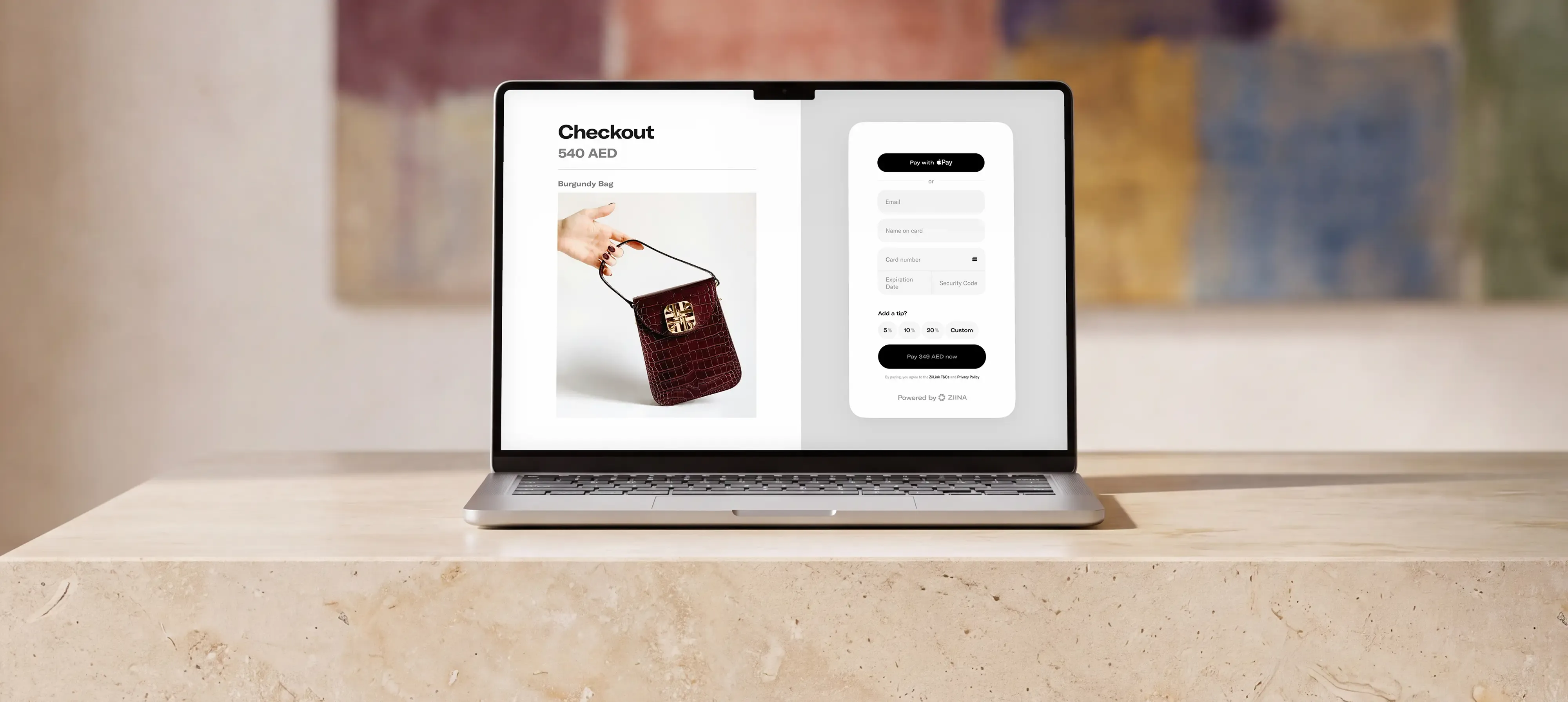
You can also enable an embedded checkout option, which displays the Ziina payment widget directly on your WooCommerce checkout page.
Once the integration is live, customers can pay by card and digital wallets like Apple Pay and Google Pay through your WooCommerce checkout. You can then track all payments through the Ziina app.
A faster online checkout made a real difference for Voya Bakehouse, for example. As the Abu Dhabi bakery grew, its original payment processor became harder to manage. Each order could take as long as 30 minutes to complete, taking valuable time away from everything else involved in running a growing bakery.
Founder Salama AlAli chose Ziina for its local presence and responsive service. Connecting Ziina to Voya’s eCommerce website gave customers a faster way to complete their payments.
Within one month, Voya Bakehouse reported a 200% increase in orders and higher customer satisfaction. The team could also manage sales from their phones and handle payments to suppliers and employees more easily.

How Voya Bakehouse built a seamless e-commerce checkout with Ziina
Sell beyond WooCommerce without adding more payment tools
Ziina’s offering doesn’t stop at the payment gateway for WooCommerce. Our all-in-one payment platform also lets you accept payments through other channels UAE customers typically want to buy.
You can manage all of these payment options through the Ziina app:
- Payment links: Share branded payment links through WhatsApp, Instagram, SMS, email, or other customer conversations. Our ZiiBoard lets you create and send payment links right from the keyboard on your phone without leaving the chat or chasing down bank transfer details.
- Digital invoices: Create invoices in the Ziina app, send them through the right channel, and let customers pay by card, Google Pay, or Apple Pay.
- QR codes: Let customers scan a code on your phone or a printed version and pay instantly from their phone.
- Tap to Pay: Turn a compatible phone into a POS machine and accept in-person card payments right from your phone.
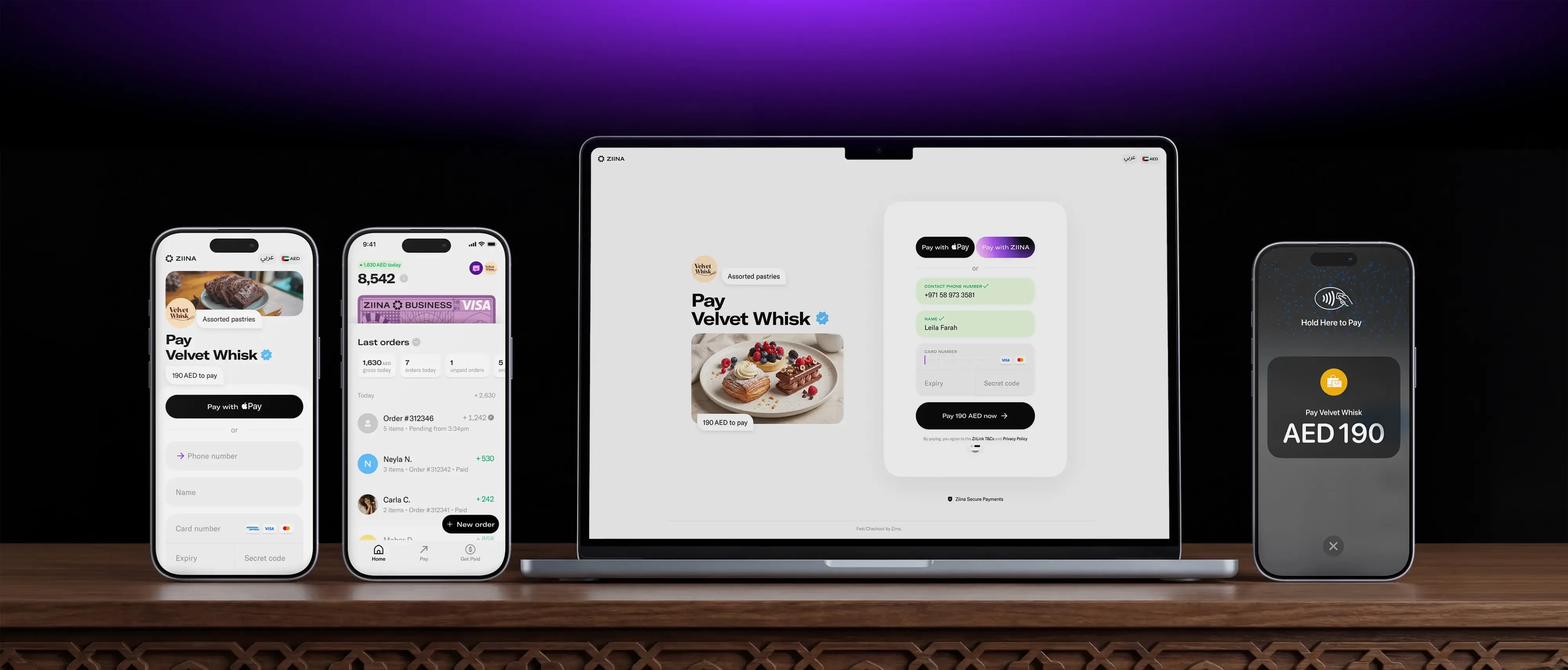
Website, social, remote, and in-person payments all flow into the Ziina platform. That gives you fewer providers, dashboards, and payout schedules to keep track of.
Say you sell through WooCommerce for most of the year but run pop-ups during the winter. Ziina lets you add in-person payments without rebuilding your setup or bringing in another provider.
Know what each sale costs and get your money when you need it
Once WooCommerce orders start coming through, you need a clear picture of what each payment costs and when the money becomes available.
Ziina has no setup fee, monthly fee, or minimum balance requirement. Standard pricing is 2.6% + AED 1 per transaction, plus applicable VAT and additional charges for international cards or non-AED payments under Ziina’s current terms. Check Ziina’s latest fees for the current details.
Funds settle into your Ziina Wallet. From there, you can cash out to a linked UAE bank account.
24-hour cash-out is available to eligible users. Otherwise, amounts below AED 25,000 typically take one to two business days, while larger amounts can take three to five business days, subject to Ziina’s terms and bank processing times.
You can also spend directly from your wallet using the Visa-powered Ziina Card wherever contactless payments are accepted.
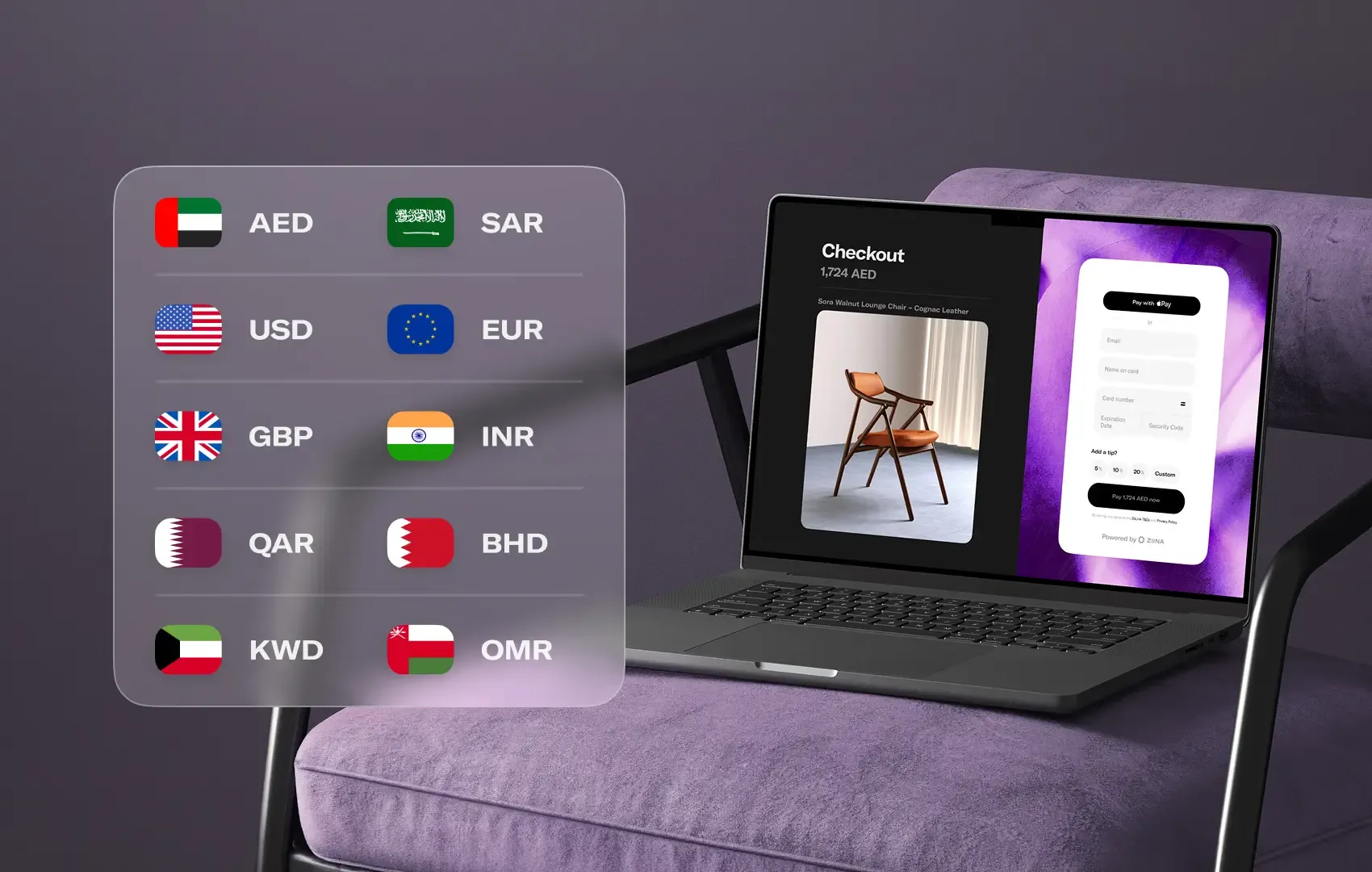
If you sell to tourists, expats, or customers abroad, Ziina supports business payments in multiple currencies. Customers can see a currency they recognize, while the payment settles into your Ziina Wallet in AED using Visa’s exchange rate.
And if a payment processing question comes up, you can contact Ziina’s UAE-based support team in English or Arabic. The team understands the local market and works the same hours you do, so you won’t have to sort things out on your own while a customer waits for answers.
Ziina processes payment cards using PCI-DSS-compliant technology, along with security features like encryption, biometrics, and PIN codes.
Stripe
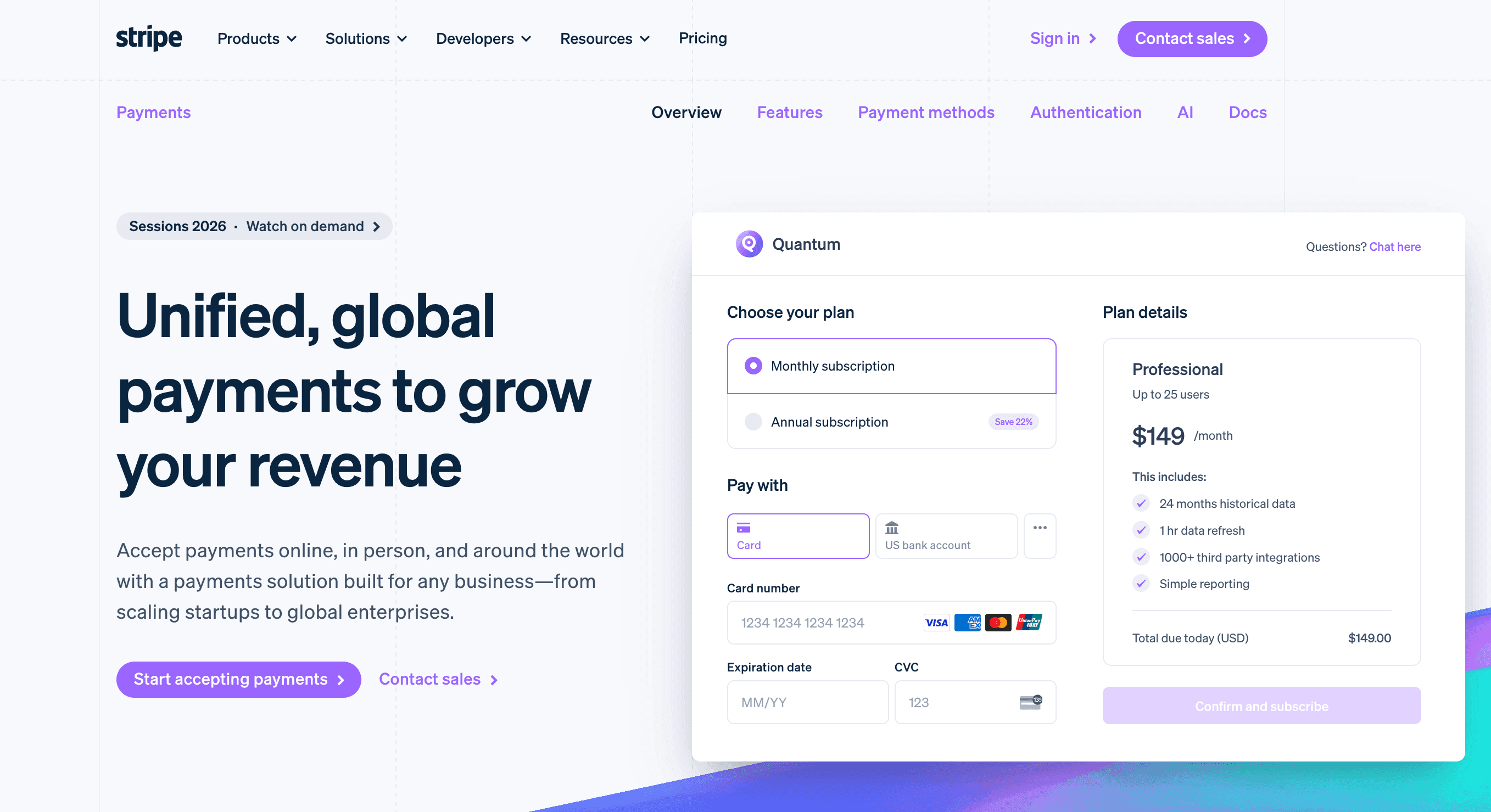
Stripe is a global payment infrastructure platform used across websites, apps, subscriptions, marketplaces, and custom payment flows.
Stripe’s WooCommerce plugin extension supports Checkout Blocks, saved payment methods, and WooCommerce Subscriptions.¹
Stripe’s UAE rate starts at 2.9% + AED 1 for domestic cards, with an additional 1% for international cards and another 1% when currency conversion is required.² Eligible businesses can pay an additional fee for Instant Payouts, while standard payout timing depends on the account.²
Could be a fit if: Your store uses more advanced WooCommerce features like subscriptions, saved payment methods, or Checkout Blocks, and you want an official plugin maintained by Stripe and WooCommerce.
Mamo
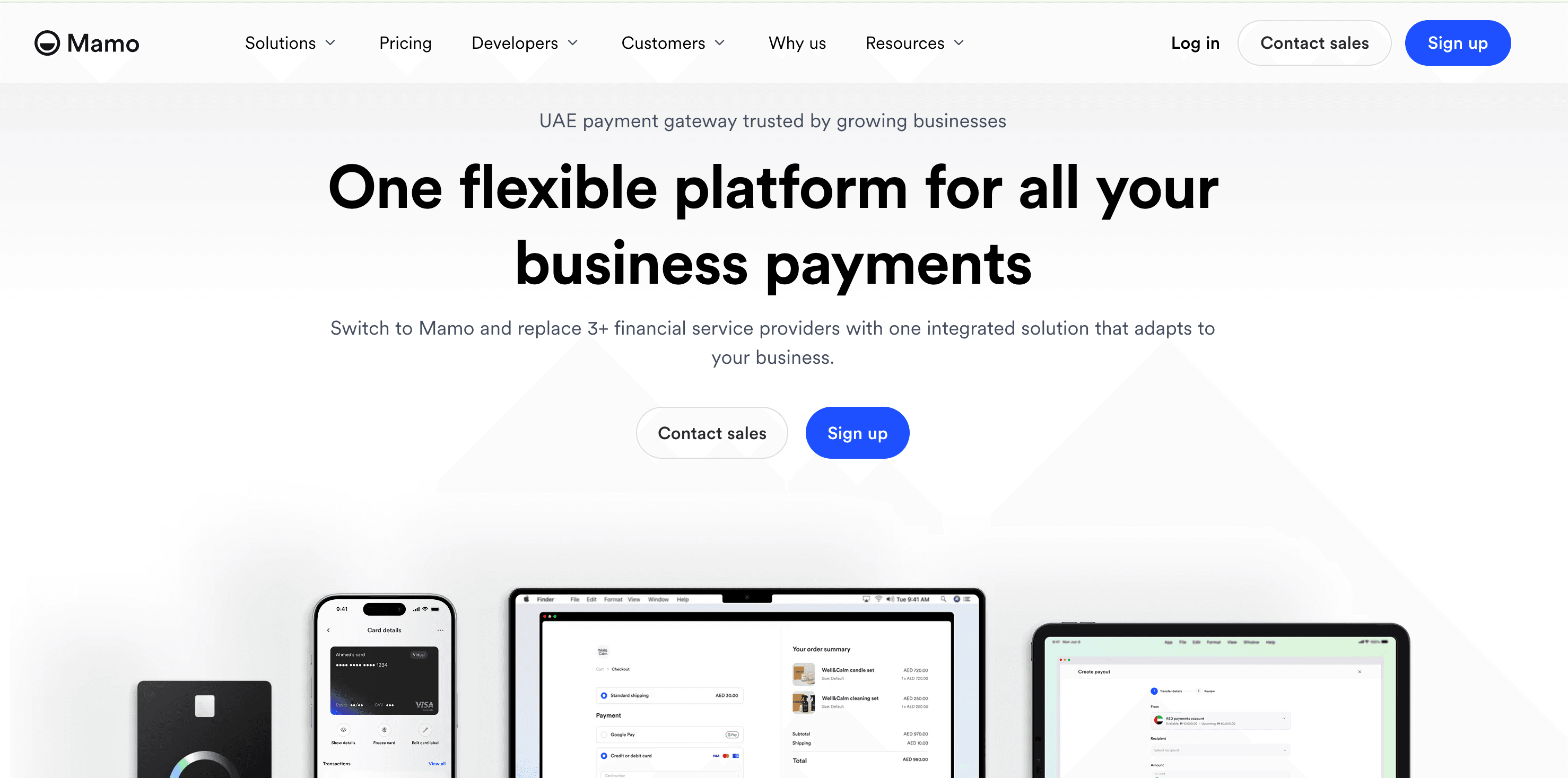
Mamo is a UAE-based business finance platform. Alongside its WooCommerce integration, it offers tools for collecting customer payments and managing how your business spends and sends money.³
On the payment collection side, Mamo offers payment links, invoices, subscriptions, and APIs. Corporate cards, expense controls, approval workflows, and supplier payouts extend the platform into company spending.³
Pricing depends on which of Mamo’s two standard plans you choose:
- The Growth plan has no monthly fee and charges 2.9% + AED 1 for UAE cards.
- The Premium plan costs AED 99 per month and is positioned for businesses collecting at least AED 50,000 monthly, with a lower UAE-card rate of 2.7% + AED 0.80.⁴
Premium also lowers the published rates for international cards, non-AED payments, and same-day settlement. Both plans list a standard settlement period of five business days, with faster three-day payouts available subject to an early access fee – and same-day settlement when payments are received before 3pm GST.⁴
Could be a fit if: You want a UAE-based provider that combines WooCommerce payment collection with corporate cards and spend-management tools.
Telr
Telr is a UAE-based payment gateway provider for accepting payments through websites, mobile apps, and other online channels.
Its WooCommerce extension supports a Telr-hosted payment page that returns customers to your store after payment. It also includes a Seamless Payment Mode, which can be toggled on through the Telr settings within the WooCommerce dashboard.⁶
The extension has been tested with WooCommerce version 8. Telr also lists WordPress, PHP, and cURL requirements, so check those against your current store before installing it.⁶
Telr structures its UAE pricing around monthly payment volume. Its Entry, Small, and Medium plans each combine a monthly charge with a different transaction rate.⁷
This means your expected sales volume is an important part of the pricing comparison.
Alongside its WooCommerce extension, Telr’s payment-gateway offering includes hosted checkout, iframe integration, direct APIs, and mobile SDKs for websites and apps.⁸ Its UAE plans also include access to local support.⁷
Could be a fit if: You want a regional provider with both hosted and seamless WooCommerce checkout options and prefer a pricing plan based on monthly sales volume.
PayTabs
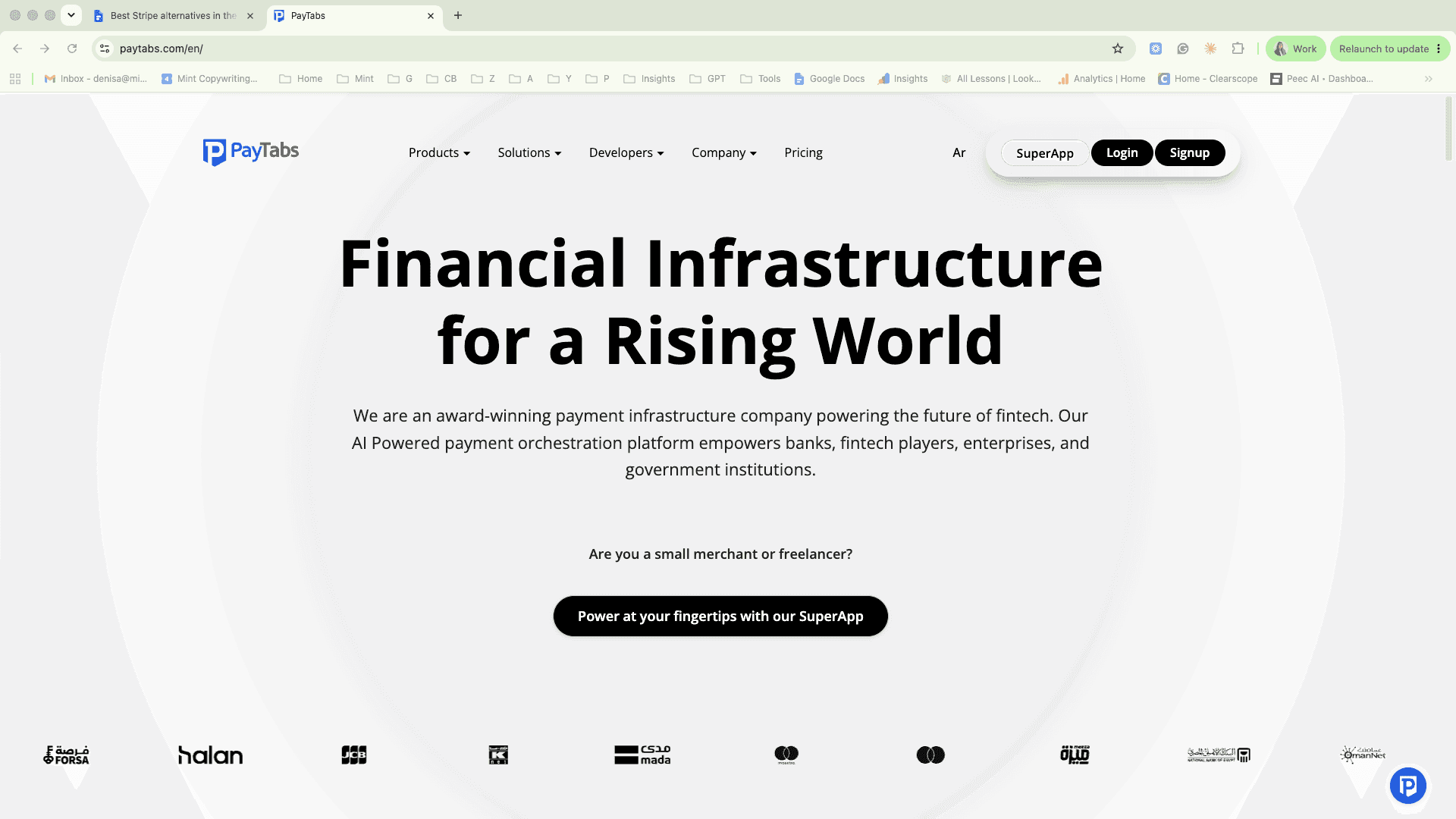
PayTabs is a regional payment provider with a ready-made WooCommerce plugin that can be installed through the WordPress admin panel or uploaded manually using File Transfer Protocol.⁹
PayTabs says the plugin can be installed and activated without a technical background, although you’ll still need to connect it to your PayTabs account and configure the relevant settings.⁹
The PayTabs WooCommerce plugin supports major credit cards, digital wallets, and regional BNPL options in the UAE, depending on the features enabled for your merchant profile.¹⁸
Outside the WooCommerce integration, PayTabs offers payment links, digital invoicing, QR payments, repeat billing, APIs, mobile SDKs, and plugins for other eCommerce platforms.¹¹,¹²
PayTabs doesn’t publish one standard UAE payment-gateway rate on its public pricing page. Ask the company to confirm the full fee structure, settlement schedule, and WooCommerce payment methods included in your account before signing up.¹⁰
Could be a fit if: You want a regional provider with a ready-made WooCommerce plugin and access to a wider range of MENA payment methods and integrations.
Network International
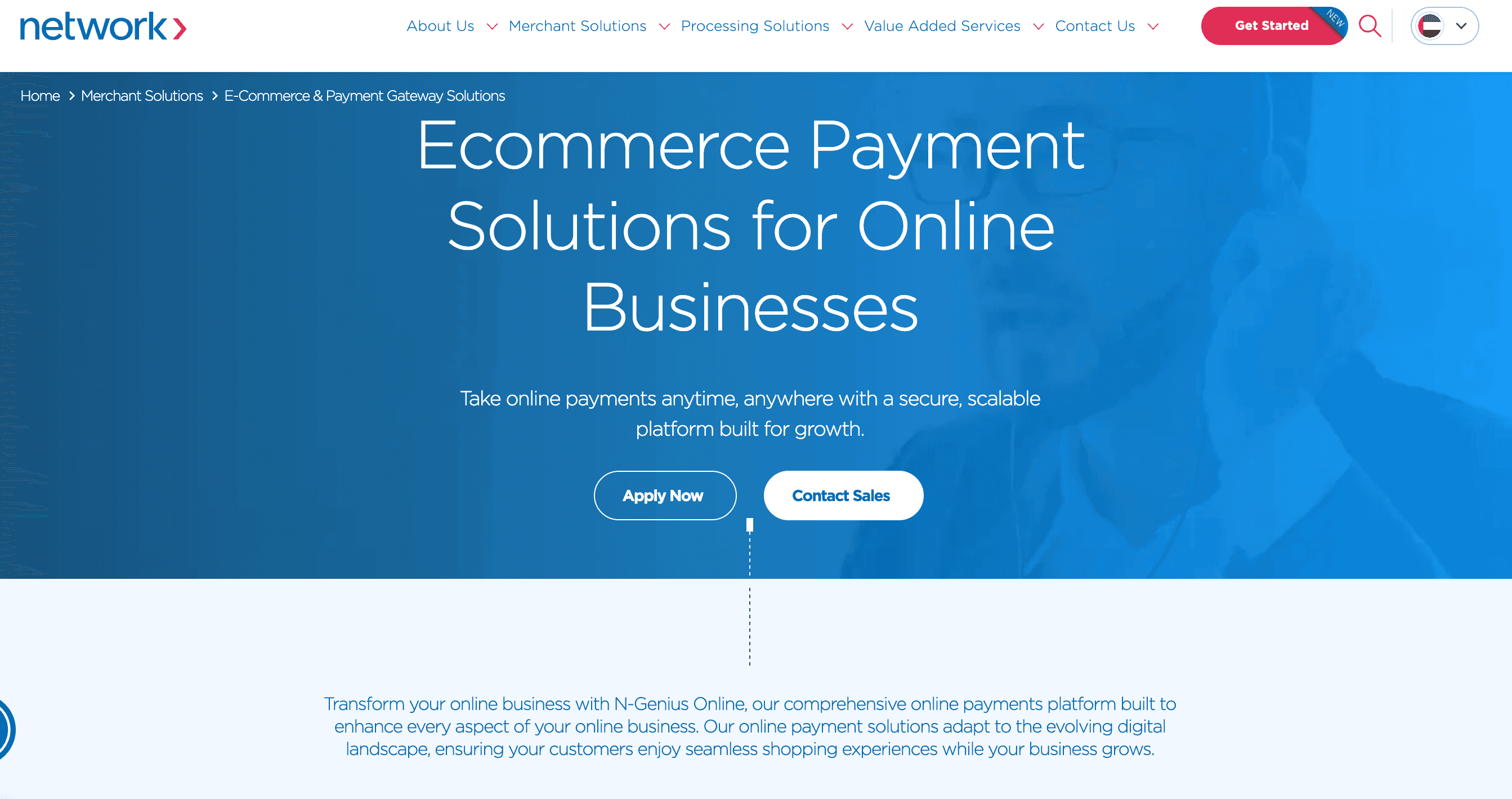
Network International is a long-established regional payment provider with a dedicated WooCommerce plugin for its N-Genius Online gateway.¹³
The plugin is free to download and designed to connect a WooCommerce store to N-Genius Online without a custom build. The cards, wallets, and local payment methods available depend on the merchant account.¹³
Transactions can be managed through the N-Genius portal, including refunds, reconciliation, reports, and other payment activity.¹³
Network International also offers hosted payment pages, Pay By Link, virtual terminal payments, direct APIs, web and mobile SDKs, fraud-management tools, and plugins for other eCommerce platforms. It has operations across the Middle East and Africa, with support available 24/7.¹⁴
You’ll need to confirm pricing and settlement terms with Network International – along with exactly how the WooCommerce plugin will work for your store, the payment methods and currencies included, processing rates, settlement timing, and support arrangements.¹⁴
Could be a fit if: You want a long-established regional acquiring provider with a WooCommerce plugin, merchant portal, and wider set of online payment tools.
Amazon Payment Services

Amazon Payment Services is a MENA-focused payment-services provider with an official WooCommerce plugin and two main checkout routes.¹⁵
The hosted route sends customers to an Amazon Payment Services payment page before returning them to your store. The custom route gives you more control over the payment flow but requires additional configuration.¹⁵
The plugin supports major cards, Apple Pay, saved cards through tokenization, refunds through the WooCommerce order screen, multi-currency configuration, sandbox testing, and Tabby for eligible UAE and Saudi Arabian accounts.¹⁵
Amazon Payment Services also offers Payment Links, APIs, installments, Buy Now, Pay Later options in eligible markets, and plugins for other eCommerce platforms.¹⁵ ¹⁶ ¹⁷
Could be a fit if: You want a MENA-focused provider with hosted and custom WooCommerce checkout routes, sandbox testing, and support for cards, Apple Pay, installments, and eligible regional payment methods.
Start accepting payments on WooCommerce today
Choosing a WooCommerce payment gateway would be much easier if you only had to compare transaction fees or recognizable provider names.
But overlooking the other details now could leave you searching for a provider that works better for your business later.
Check how the plugin fits your WooCommerce setup, which payment methods customers can use at checkout, what each payment costs, when the funds become available, and what happens if you add another way to sell.
Ziina is designed for UAE WooCommerce brands that want to get their checkout live quickly and keep payments simple as they expand.
Availability of Ziina products and features is subject to eligibility, successful verification, device compatibility, applicable transaction limits, Ziina’s terms and conditions, and regulatory requirements. Customers are responsible for ensuring they hold any trade licence, permit, tax registration, or other approval required for their business activities. Fees, limits, payout timelines, and product features can vary and are subject to change. Please refer to Ziina’s latest terms and pricing for full details.
All information relating to third-party products and companies has been sourced from their respective public websites and official publications at the time of writing. Product features, pricing, and company details can change. Check each provider’s official website before making a purchasing decision.
This article was written in August 2026 and published in September 2026.
Sources
- 1.https://marketplace.stripe.com/apps/woocommerce
- 2.https://stripe.com/ae/pricing
- 3.https://www.mamopay.co/
- 4.https://www.mamopay.com/pricing
- 5.https://www.mamopay.com/why-us
- 6.https://docs.telr.com/reference/woocommerce
- 7.https://telr.com/pricing
- 8.https://telr.com/integration
- 9.https://support.paytabs.com/en/support/solutions/articles/60000720834-1-4-1-woocommerce-plugin-setup-and-activate-the-integration-method
- 10.https://paytabs.com/en/pricing/
- 11.https://support.paytabs.com/en/support/solutions/articles/60001645971-pricing-plan-update-enterprise-to-smb-migration-what-you-need-to-know
- 12.https://support.paytabs.com/en/support/solutions/articles/60000709644-how-to-integrate-with-paytabs
- 13.https://www.network.ae/en/merchant-solutions/ecommerce-payments/plugins
- 14.https://www.network.ae/en/merchant-solutions/ecommerce-payments/n-genius-online
- 15.https://paymentservices.amazon.com/docs/accepting-payments/no-code/Plugins/WooCommerce
- 16.https://paymentservices.amazon.com/support-center/faq?kw=general
- 17.https://paymentservices.amazon.com/solutions?language=en-US
- 18.https://support.paytabs.com/en/support/solutions/articles/60000720837-1-5-woocommerce-plugin-supported-payment-methods