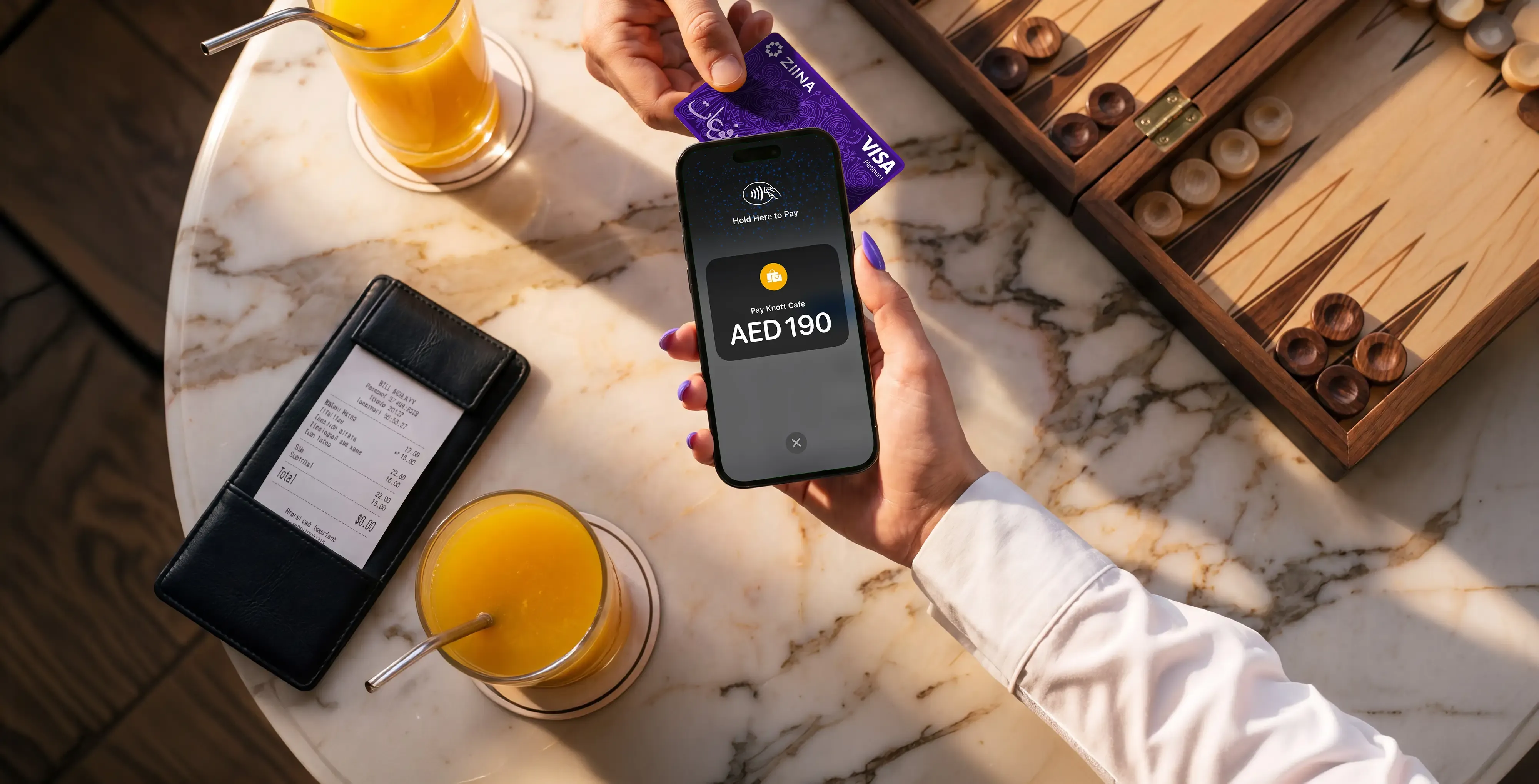
How to accept credit card payments on a phone in the UAE

Products featured
Not every business has a checkout counter. If you sell at pop-up events, visit customers in person, or run a business where payments happen on the go, you need a way to accept card payments wherever you are.
The problem is that traditional card machines aren't always practical. They're expensive, bulky, and can be a hassle to carry between locations.
The good news is, you can now turn your phone into a POS terminal.
In this guide, you'll learn exactly how to accept card payments on your phone using Tap to Pay or easily scannable QR codes when selling in person. We'll also show you how your phone can be the starting point for remote sales via branded payment links.
We'll explain which method works best for your specific business scenario and how Ziina helps UAE businesses handle every sale from one mobile app.
In this article:
- How to accept in-person credit card payments on your phone
- How to collect payments on your phone remotely
- Use cases: Which phone payment method to use when
- Why use Ziina to accept credit card payments on your phone?
Ziina is a financial platform for businesses in the UAE that want a faster, simpler way to get paid. Accept Tap to Pay or QR code payments, send payment links, and track all sales in one place. Get set up in minutes and access your funds in as little as 24 hours (or instantly for eligible users).
How to accept in-person credit card payments on your phone
When a customer is standing in front of you, ready to pay, the last thing you need is to fumble with clunky hardware or wait for your card machine to reconnect. Accepting payments on your phone makes the process fast and simple, whether you're at a market stall, a front desk, or a delivery location.
Your main options for in-person phone payments are Tap to Pay, QR codes (which can be scanned by customers either on your phone or using a printed version), and app-to-app payments.
Tap to Pay turns your phone into a card payment terminal
Tap to Pay is one of the fastest ways to accept in-person card payments because it transforms your smartphone into a secure payment terminal. It uses Near Field Communication (NFC) technology to take payments simply by holding a customer’s card or phone against your device.
It's especially useful for on-the-go businesses that want to avoid the burden of buying or managing traditional card machines: a phone-based setup can save you between 2,000 and 3,000 AED per machine in upfront hardware costs alone.
To get started, you'll need an NFC-enabled iPhone or Android device and a payment app such as Ziina that supports Tap to Pay. Once your account is set up, you can start accepting contactless payments.
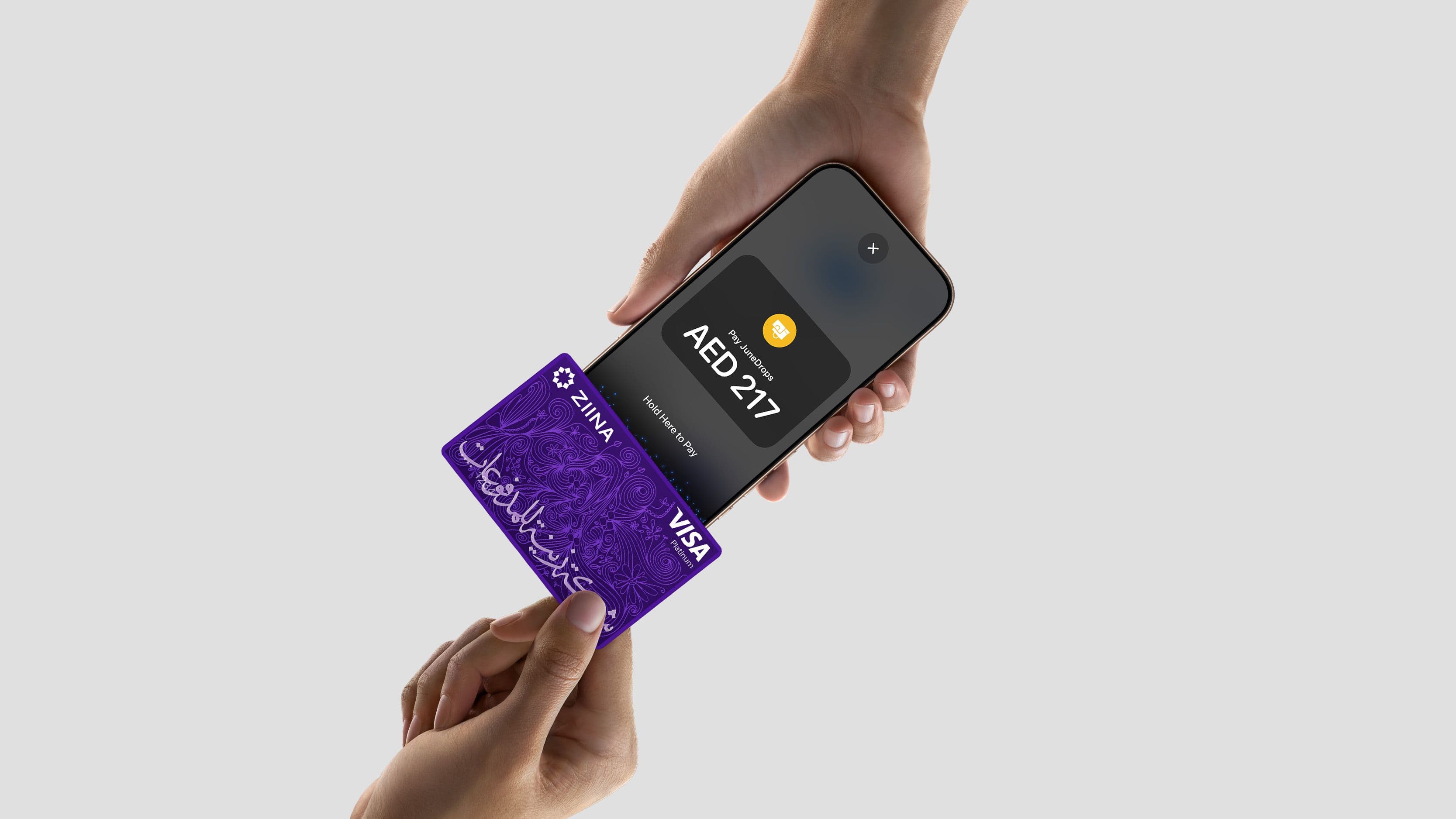
In practice, the payment flow goes like this:
- Open your payment app: Select the option to take a new payment via Tap to Pay.
- Enter the amount: Type in the total for the sale.
- Ask the customer to tap: They hold their contactless card, phone, or wearable like an Apple Watch against your device.
- Confirm approval: The app will verify the transaction in seconds.
- Send a digital receipt: Show the confirmation or send a receipt via message or email.
For your customer, the experience feels exactly like tapping their card on a standard terminal. They don't have to download any new apps or create an account; they just use the payment method they already have in their pocket.
QR codes enable customers to scan and pay instantly
Another effective way to accept card payments via your phone is by using QR code payments. This is especially useful at busy events or counters when you need to serve multiple customers at the same time.
Instead of waiting for a staff member to process every transaction, customers can scan your code and complete the payment on their own devices. This speeds up the checkout process and reduces queues during peak hours.
Here's how the QR payment flow works:
- Display your code: Show your unique QR code within your payment app or use a printed version at your booth or delivery point.
- Scan to pay: The customer scans the code using their smartphone camera.
- Complete the sale: Your customer reviews the details and pays instantly using their preferred card or digital wallet.
- Get instant confirmation: You'll receive a notification on your phone as soon as the transaction is successful.
In-app flows allow customers to pay you via a quick fund transfer
App-to-app transfers are a great way to handle in-person payments when your customer already uses the same payment app.
For example, businesses using Ziina in Dubai have a unique ZiiName. Instead of scanning a code or tapping a card, a customer can simply search for your ZiiName and pay you directly within their app at a local event or market.
The only catch is that these transfers aren't as universal as Tap to Pay or QR codes. If a customer doesn't have the app yet, they'd need to download it and create an account before they can pay you. As such, it’s better to offer this alongside other payment options to ensure a frictionless experience for everyone.
Read more: Compare payment solutions in the UAE
How to collect payments on your phone remotely
Most businesses accept payments in more than one place.
Whether you're selling through your website, social media, email, or messaging apps, you'll need a payment solution that makes it easy for customers to pay.
Here are a few popular options:
- Send payment links through any message: You can create a branded payment link with specific order details and share it via WhatsApp, Instagram, or email. The customer simply opens the link and pays by card or digital wallet. This is much faster than manual bank transfers and removes the need for customers to send payment screenshots or for you to chase follow-up messages.
- Create professional invoices from your phone: For freelance work, custom orders, or service appointments, a formal request is often the right choice. To do this, you can set up digital invoices directly in your payment app and send them as a link that customers pay online.
Accepting payments on a phone: Practical examples
Here are a few ways UAE entrepreneurs can use their phones to get paid:
- Weekend market vendors can move faster without hardware: Imagine you're selling handmade candles at a busy outdoor market. Instead of lugging around a clunky, expensive card terminal or worrying about a stable Wi-Fi connection for your POS, you simply use Tap to Pay. You hold your phone out, the customer taps their card, and the sale is done in seconds.
- Service providers get paid before leaving the job: A home repair specialist or plumber often has to wait days for a manual bank transfer to settle. With a payment app, they can generate a digital invoice or a quick payment link as soon as the work is finished. The customer pays on the spot, and the specialist doesn't have to spend their evening chasing screenshots or follow-up messages.
- Pop-up studios manage walk-ins more seamlessly: A yoga studio hosting a beach session can display a QR code on a simple stand. Walk-in clients scan the code, pay for the class on their own phones, and join the session immediately. This setup keeps the instructor focused on the class rather than managing a queue of people trying to pay.
Why use Ziina to accept credit card payments on your phone
If you're accepting payments on the go, you need more than just a way to tap a card. You need a solution that's easy to use, quick to set up, and built around how your business actually operates.
That's exactly what Ziina was designed for.
We're licensed by the Central Bank of the UAE, and we combine secure payment processing with a mobile-first experience built for businesses, freelancers, and entrepreneurs across the region.
Here are a few reasons you might want to give Ziina a go:
Accept in-person payments without a clunky card machine
Traditional card machines can cost your business between 2,000 and 3,000 AED per device. And the expenses add up as you purchase more POS terminals.
For a seasonal seller or an early-stage entrepreneur, these upfront costs are often a major blocker to growth.
With Ziina's Tap to Pay feature, your phone becomes your point of sale. You won't have to carry extra hardware or buy a separate machine for every staff member. It's a much faster way to get started, and you only pay as you go.
What’s more:
- You pay no setup or monthly fees: We keep pricing simple so you can focus on your business. You'll pay a flat rate starting at 2.6% + 1 AED per transaction (or a rate in line with Ziina’s applicable pricing terms at the time of the transaction), with additional charges for international cards or currency conversion, plus VAT where applicable. We provide free processing on your first 1,000 AED.
- You can access your funds quickly: You can quickly settle into your Ziina wallet for business expenses or withdraw into a local bank account, where funds should land in 1-2 business days (and often within 24 hours, subject to bank processing times). Eligible users can access instant withdrawal options.
- You manage your entire team from one app: You can set up sub-accounts for your employees and give them different permission settings. This allows your team to collect payments on their own phones while you maintain full control over account data and total amounts collected.
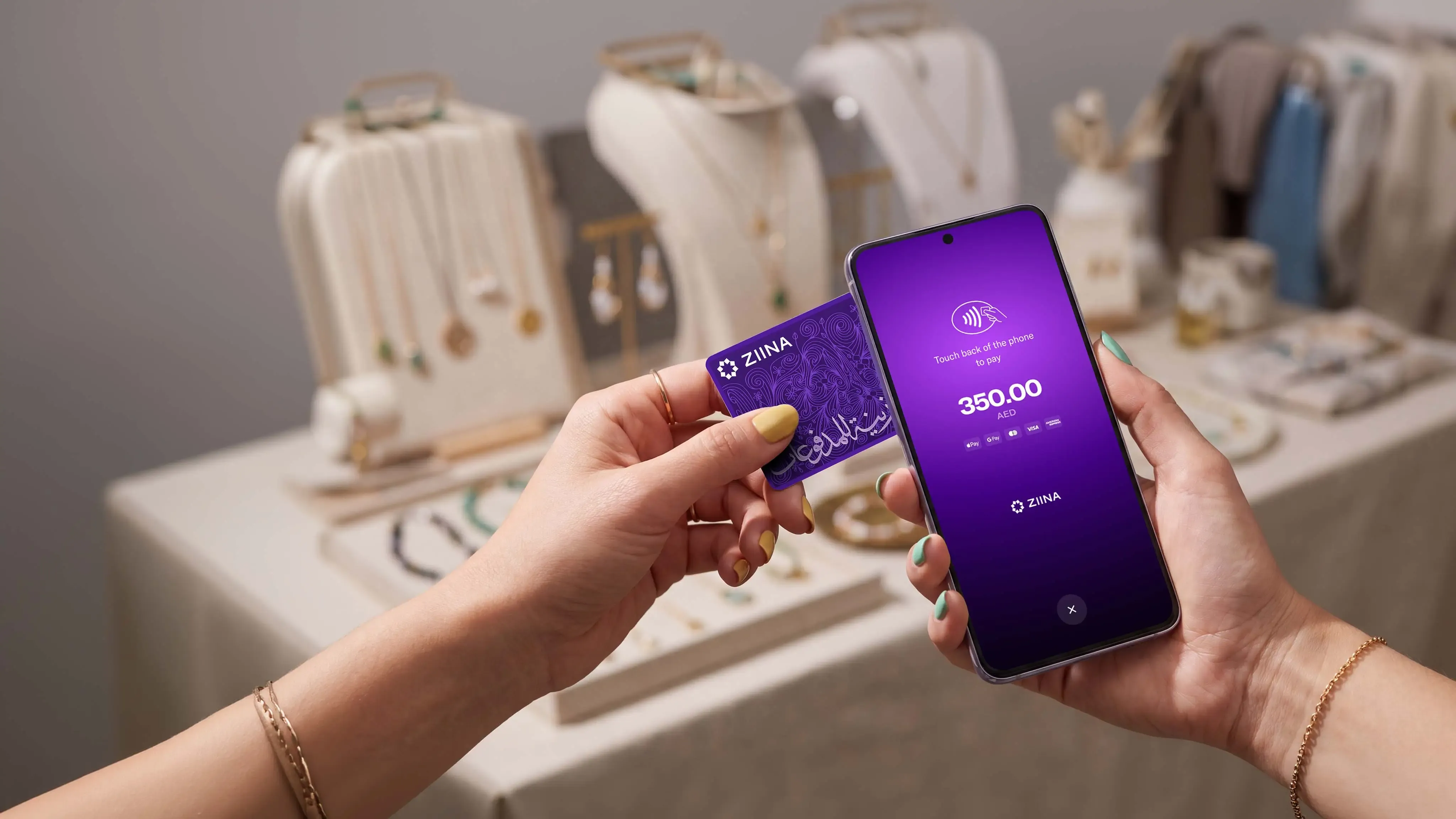
Track sales across multiple channels in one mobile app
Your customers don't always pay the same way. One might tap their card at your market stall, while another scans a QR code at your counter, and a third requires a payment link after messaging you on Instagram.
Without a unified platform, you're stuck juggling multiple tools and reconciling different dashboards.
Ziina brings everything into one place. You can choose the exact method that fits each sale:
- Tap to Pay: Turn your phone into a card terminal for quick in-person sales.
- QR codes: Provide a scannable checkout for busy counters or pop-ups.
- Branded payment links: Share unique links via WhatsApp, SMS, or social media for remote orders.
- Digital invoices: Send formal payment requests for custom work or freelance projects.
- Website checkout: Connect our payment gateway to your Shopify or WooCommerce store.
- In-app payments: Receive direct fund transfers from customers who already use the Ziina app.
That's actually one of the reasons Hind Fabrics chose Ziina.
As the business expanded from Instagram sales into exhibitions, home visits, and a retail store, the team needed a way to accept payments across multiple channels without relying on a single POS terminal.
Today, Hind Fabrics uses payment links, QR codes, and Tap to Pay through one platform.
As the owner, Talha Haseeb, said, “Ziina's Tap to Pay is pure magic! As soon as it launched in April 2025, we moved 90% of all our transactions to Tap to Pay. My team and I use it on three devices—there are no network lags, invoices are digital, and payments settle instantly.”

Get local support from a team that understands the UAE
Ziina is homegrown and built for UAE businesses.
We're licensed by the Central Bank of the UAE under a Stored Value Facility (SVF) license.
Alongside security features like encryption, biometrics, and PCI-DSS certified technology, you'll also get access to local support in both English and Arabic. Whether you have a question about a transaction, settlement, or integration, you'll be speaking to a team that understands the UAE market. Our goal is to answer every question in 30 minutes or less.
Get started with Ziina
How you accept credit card payments on your phone depends on where you meet your customer.
Tap to Pay is usually the closest replacement for a card machine if your customer is standing in front of you. You can also accept payments by showing a QR code on your phone and letting a customer scan it on the spot.
If a customer orders through WhatsApp, Instagram, or another online channel, you can send a payment link directly from your phone. And for website checkout, we also offer a payment gateway.
Disclaimer: Availability of Ziina products and features is subject to eligibility, successful verification, device compatibility, applicable transaction limits, Ziina’s terms and conditions, and regulatory requirements. Customers are responsible for ensuring they hold any trade license, permit, tax registration, or other approval required for their business activities. Fees, limits, payout timelines, and product features may vary and are subject to change. Please refer to Ziina’s latest terms and pricing for full details.