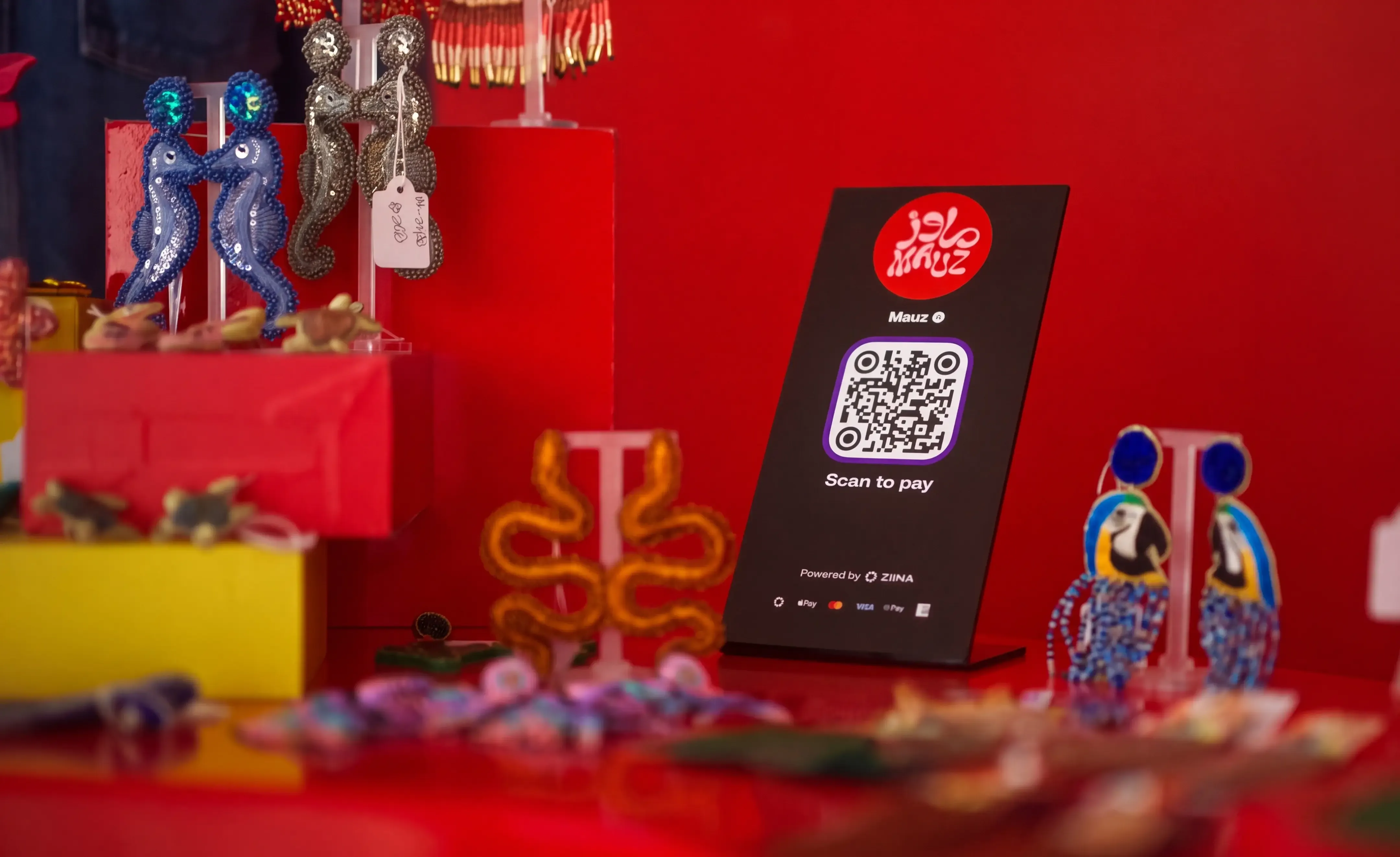

Products featured
Imagine you’re at a busy weekend market in Dubai: a queue is starting to form, your customers are ready to pay, but you can only serve one person at a time.
That's where QR code payments can help. By adding a QR stand to your stall, customers can skip the queue by paying another way. All they have to do is scan the code with their phone, authorize the payment, and that’s it – they’ve checked out in seconds.
But how do you actually set up QR code payments? And can you do it without adding another piece of software to your workflow?
In this guide, we'll show you how to set up QR code payments for your UAE business, explain how they work, and answer some of the most common questions about getting started.
We’ll cover:
- How do QR codes work?
- Are QR code payments safe to use?
- How to accept payments using a QR code
- How Ziina can help you accept QR code payments
Ziina is a payments app built for UAE businesses that need a fast, simple way to accept payments. When you sign up with Ziina, you can share customized QR codes with your customers.
How do QR codes work?
A QR code (short for Quick Response code) is a barcode that stores links, text, or images in a pattern of black and white squares.
If you scan the code with your phone, the camera reads the pattern and instantly displays the encoded content – whether that’s taking you to a webpage, pulling up a restaurant menu, or prompting you to check out right on your screen.
Note: QR codes often include ‘error correction’ features, which just means that they can often still be scanned even if part of the code is scratched, dirty, or partially covered. The square markers in the corners help the phone recognize the code quickly, even if it's tilted or viewed from an angle.
What type of QR code should you use?
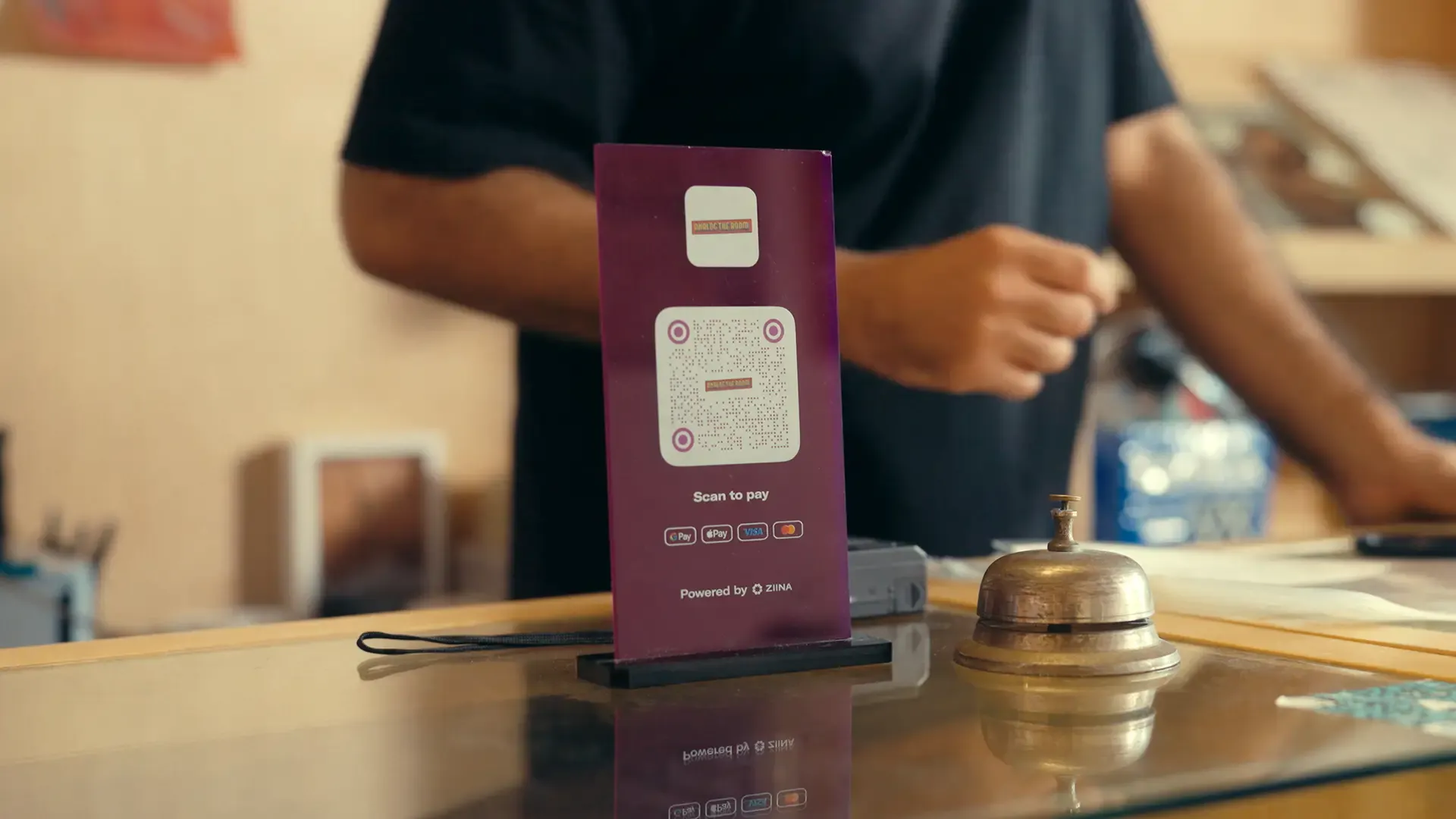
QR codes in practice
- Contractors, pop-up sellers, and market vendors that can bring a portable QR stand to a new site and reduce the amount of time customers spend waiting in a queue.
- Salons or studios that need a professional way to accept payments without needing to charge a POS machine.
- Restaurants or cafés that need a fast, hands-free way to take payments during peak business hours.
- For delivery and home service businesses, QR codes can make it easy to collect payment at the door without needing a card terminal on hand.
- Vacation rentals and apartments that can display a QR code for guests in case they request additional services such as cleaning or maintenance during their stay.
Read more: How to accept credit card payments on a phone in the UAE
Are QR code payments safe to use?
Yes, QR code payments are generally very safe if you’re using a trusted payment provider.
Reputable providers make sure that every transaction is secure. Their advanced fraud protection measures might include PCI-DSS compliance, strong data encryption, tokenization, and real-time fraud monitoring to block suspicious activity.
As a merchant, you can also take a few extra steps to help your customers feel confident when paying:
- Display codes securely in your store (for example, you could put them in places inaccessible from the shop floor)
- Print your code directly onto permanent signage rather than using peel-and-stick paper labels (which are easier to tamper with)
- Train staff to watch out for fake sticker overlays and regularly inspect the stand
- Ask customers to check the recipient name and transaction amount before paying
How to accept payments using a QR code
Let’s use Ziina’s QR payment flow as an example. Firstly, you’ll need to create a QR code with Ziina:
- Create a Ziina* account.
- Open the Ziina app and tap on ‘Get Paid’.
- Put in your desired payment amount, or choose to customize your checkout with optional fields like order note, VAT, or tip options.
- Tap the arrow and select QR code from the options.
Then, once you’ve created your code:
- Display your QR code at your counter, or order a Ziina QR stand and have it delivered directly to your store.
- Ask your customers to scan the QR code with their phone camera.
- Once they do, they'll be taken to your branded checkout page, where they can pay using Apple Pay, Google Pay, Visa, Mastercard, or AMEX.
And that’s it!
How to order a Ziina QR stand
Ordering a QR stand directly through Ziina is just as simple:
- In the Ziina app, go to the 'Get Paid' tab and select 'QR Stands'.
- Fill out a quick form (it takes less than a minute).
... and that’s it. We'll deliver the stand to your doorstep within 7 business days.
Note: Our QR code stands are available for 49 AED each.
How Ziina can help you accept QR code payments and more
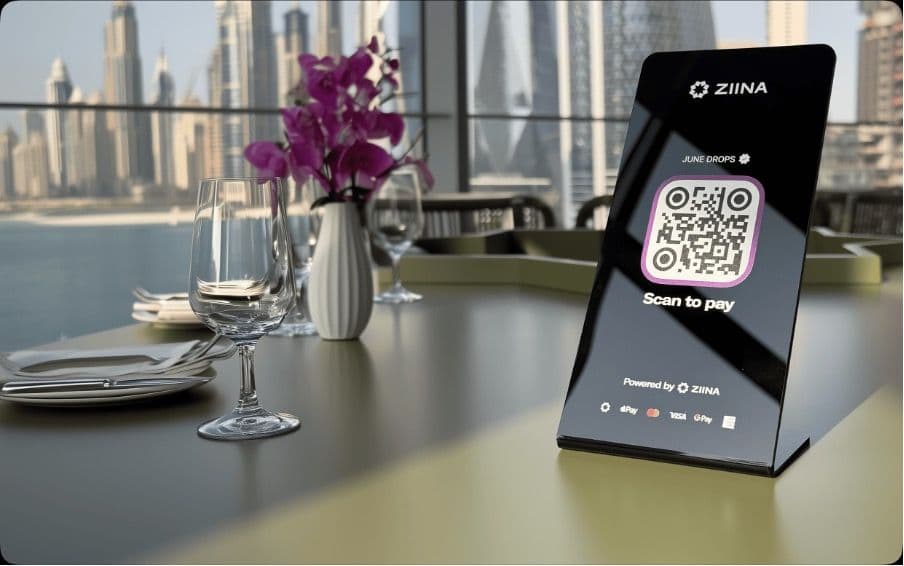
Ziina is a UAE-based payments app that helps businesses easily accept online and in-person payments.
Here’s what you can do with Ziina in a nutshell:
Get set up quickly and start accepting QR payments
With Ziina, you can quickly create an account and start accepting payments soon after – for example, our customer Stretch It Out was able to launch payments in just 48 hours.**
It’s completely free to sign up, and once you do, you can easily create QR codes in our app. Here are some more ways we help keep QR payments simple:
- We offer both static and dynamic QR codes, so depending on your needs, you can choose which type of code is best for you. Let several customers pay at the same time with dynamic codes printed at a QR stand, or set the price yourself with a static QR code in the app.
- Every transaction is encrypted, tokenized, and linked to your verified Ziina Business account.
- Your team can take payments using their phones if you add them to your account, which means funds they collect will be routed straight into your Ziina wallet.
- You don’t need an internet connection to display the code, but your customer does need a connection to complete the payment on their phone.
- Your customers don't need to download the Ziina app to pay you.
Take the QR code with you wherever you go – whether you're delivering orders, setting up at an event, or switching locations throughout the day. You can even display the code on your phone if bringing around a physical stand isn’t practical.
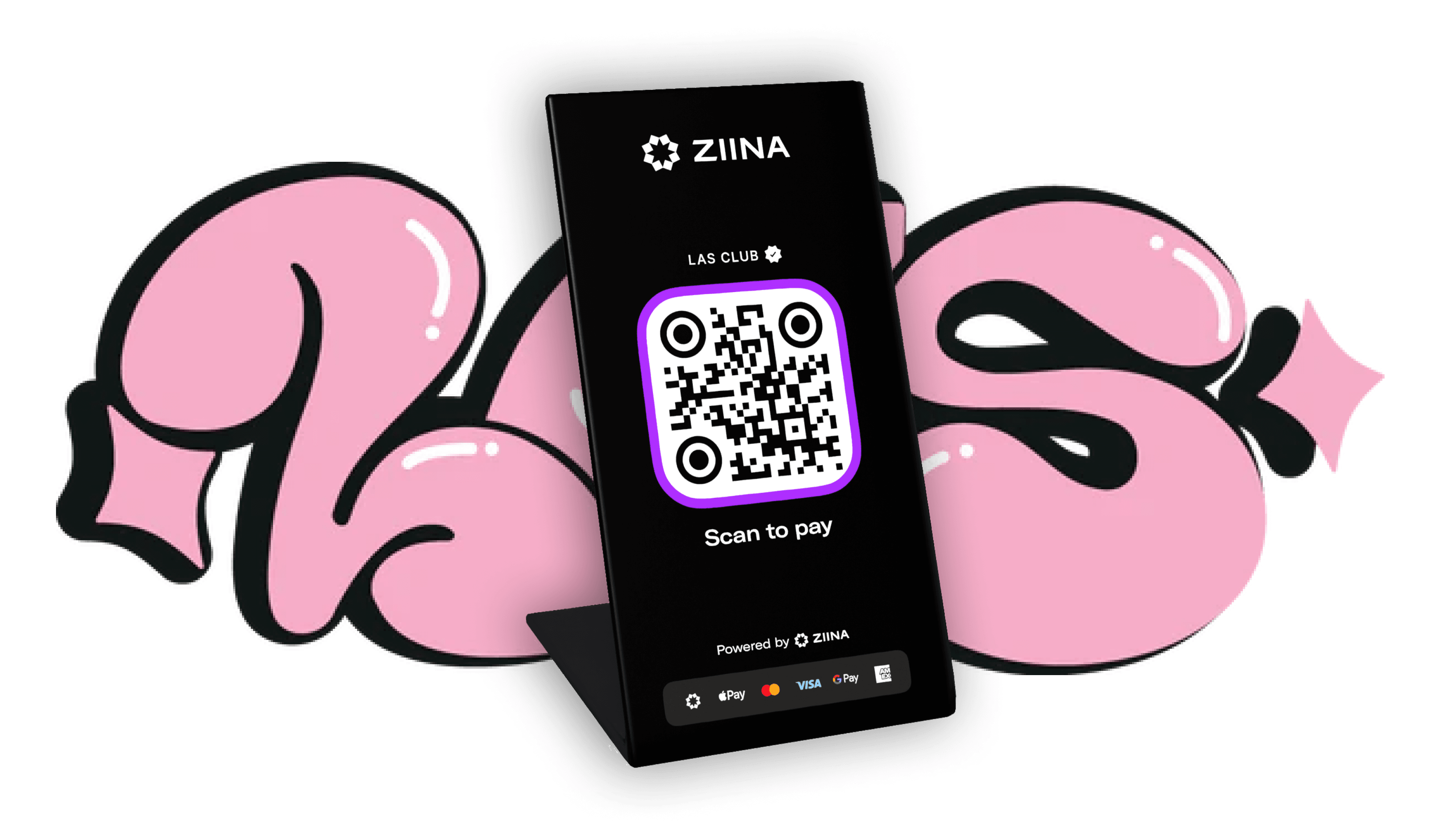
Many of our customers use our QR stands at pop-up markets – which is exactly how our customer LAS Club found out about Ziina.
At a Ripe Market event, LAS Club founder Sami Salem noticed many vendors were using Ziina’s QR stands. She asked other business owners what platform they were using to process payments, and “Ziina kept coming up."
Encouraged by repeat recommendations, Sami decided to partner with Ziina for LAS Club’s e-commerce needs. According to LAS, after making the switch to Ziina, LAS Club sold 4,000 units of their flagship product and reached 40% month-on-month revenue growth.
Benefit from simple, transparent pricing and cash out your funds in 1–2 business days
Using Ziina QR codes comes with no monthly subscription fees or set-up costs. You’ll pay our standard rate of 2.6% + 1 AED per transaction, plus applicable VAT and an additional 1.5% for international card payments. Please consult our pricing page for the latest pricing terms.
When a customer pays through your Ziina QR code, funds land straight in your Ziina wallet, where you can cash out to your linked UAE bank account in 1–2 business days (for amounts under 25,000 AED). This is subject to bank processing times. 24-hour cash-out options are available for eligible users.
Integrating with Ziina is what allowed our customers The Expat Group to speed up their own cash flow by reducing 7-day cash-outs to just 24 hours. “We could share the link while the lead was warm, and customers could open it, click Apple Pay, and they were done in 15 seconds. The money was in our bank the next day,” said Josh Williams, Managing Partner of the Expat Group.
Alternatively, you can spend funds directly from your Ziina account with a Ziina Business Card. Just add it to your Apple or Google Wallet and spend without having to cash out at all.
Plus, if you ever need assistance, our team offers fast, human support in both English and Arabic during standard UAE business hours.
Take payments through multiple channels with Ziina’s all-in-one solution
You can manage all your payment channels under one roof with Ziina:
- Payment Links: Create custom payment URLs that let buyers pay in seconds via card or digital wallet. Share your links easily on WhatsApp or through Instagram DMs and stories.
- Tap to Pay: Turn your phone into a card reader and accept in-person payments without buying bulky card terminals. Tap to Pay is useful for businesses with a brick-and-mortar storefront, or for taking payments on the go if you’re a freelancer or a contractor.
- Payment gateway: If you have an existing Shopify, WordPress, or custom website, you can add Ziina’s smooth, branded checkout to help make your payment process faster and more trustworthy. Our payment gateway is simple, and it works right out of the box.
- Invoicing: Create professional invoices in seconds, send them to your customers through any channel, and track every payment in real time. You can even attach payment links to invoices to help you get paid faster.
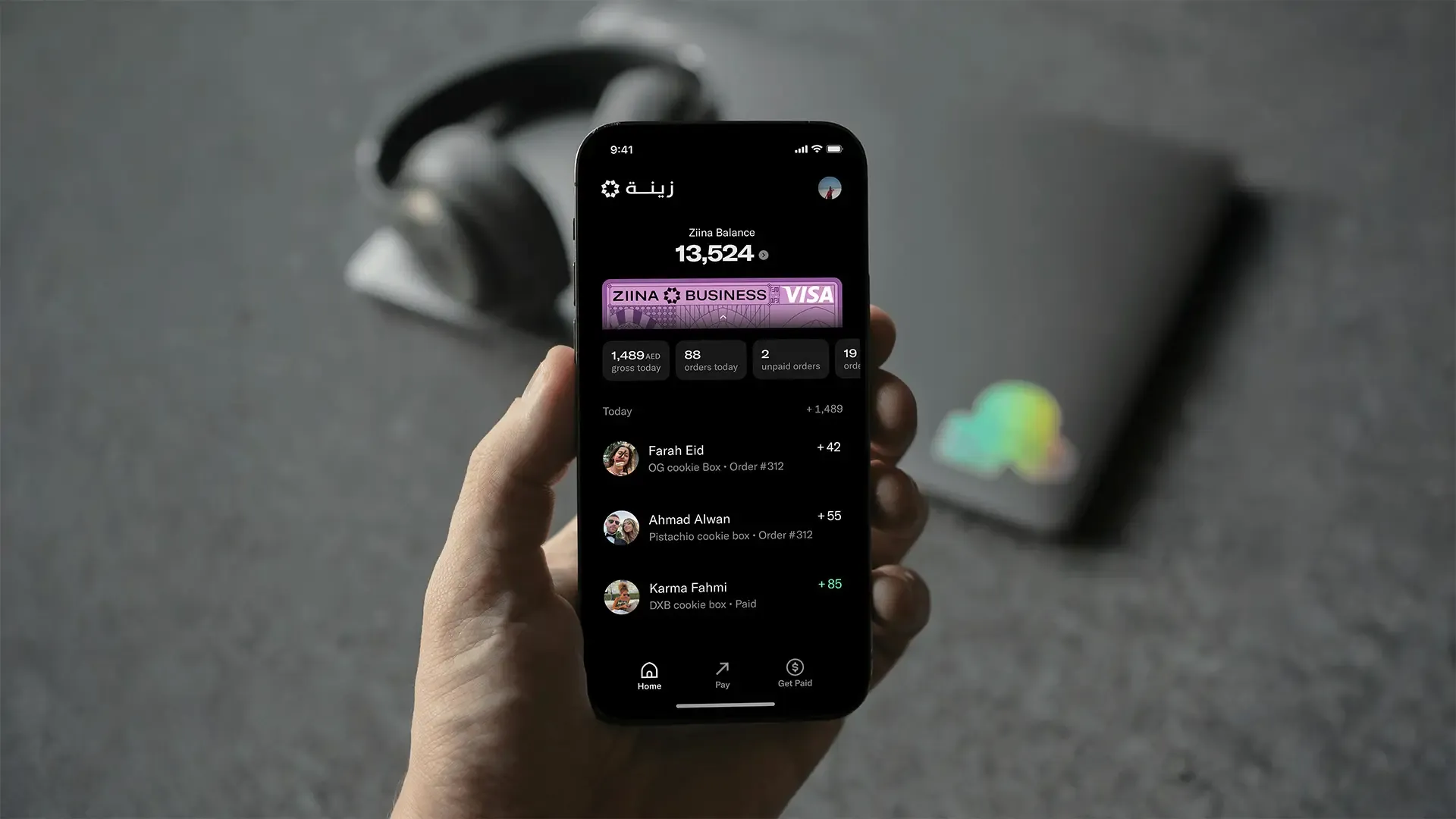
Ziina tracks all sales across all channels, so you can easily see exactly when a customer has paid.
Final thoughts
Adding QR code payments to your sales flow can help you get paid faster. For example, as a café owner, you could place a QR stand at your counter so that customers can scan, pay, and skip the queue.
With Ziina, getting started is just as simple. Our QR payment codes are free to create, and once you're set up, you can start accepting payments quickly.
*Disclaimer: Availability of Ziina products and features is subject to eligibility, successful verification, device compatibility, applicable transaction limits, Ziina’s terms and conditions, and regulatory requirements. Customers are responsible for ensuring they hold any trade license, permit, tax registration, or other approval required for their business activities. Fees, limits, payout timelines, and product features may vary and are subject to change. Please refer to Ziina’s latest terms and pricing for full details.
**With Ziina, some users may be able to get started with basic verification, such as Emirates ID verification, but requirements may vary depending on the user’s business activity, transaction volume, account type, and applicable legal or licensing obligations. Customers remain responsible for ensuring they hold any trade license, permit, tax registration, or other approval required for their business activities.
This article was published in October 2026.